

Jaroslav Blažek tested the SIA Connect module.

A device for transferring data between PLCs, databases, and the cloud reads data from machines, enables bidirectional data transfer, and connects devices from different manufacturers. How did Jarda Blažek (blaja.cz) find working with the module from the Danish manufacturer SIA Connect?
Review by Jaroslav Blažek: SIA Connect IIoT Edge Gateway Hardware
This is one of the ways to collect data in manufacturing and transfer it from machines to databases, cloud platforms, or higher-level applications. We will take a look at part of this hardware solution: a device that ensures connection to a PLC, data selection, and data transfer according to the required application.
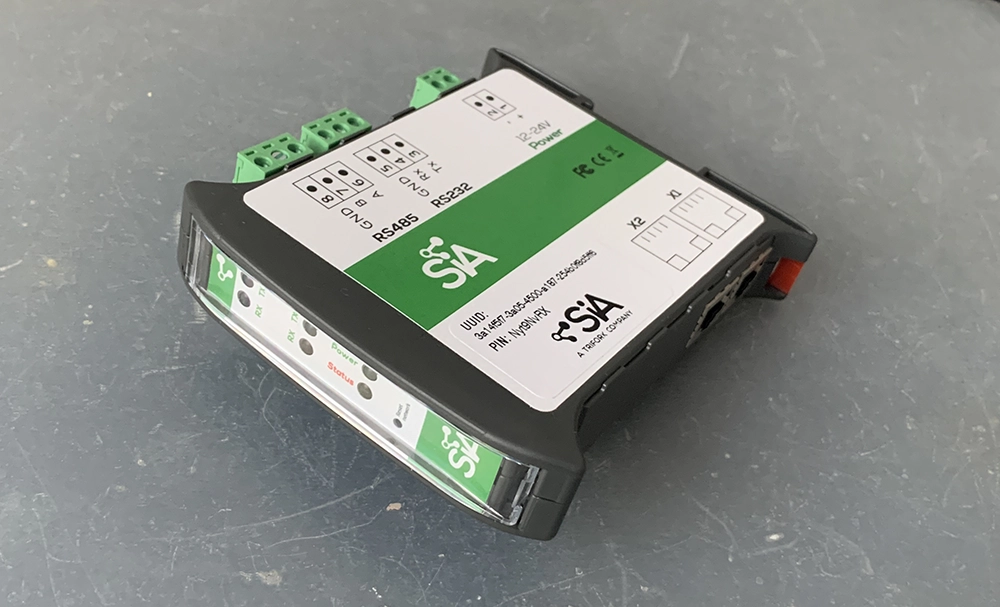
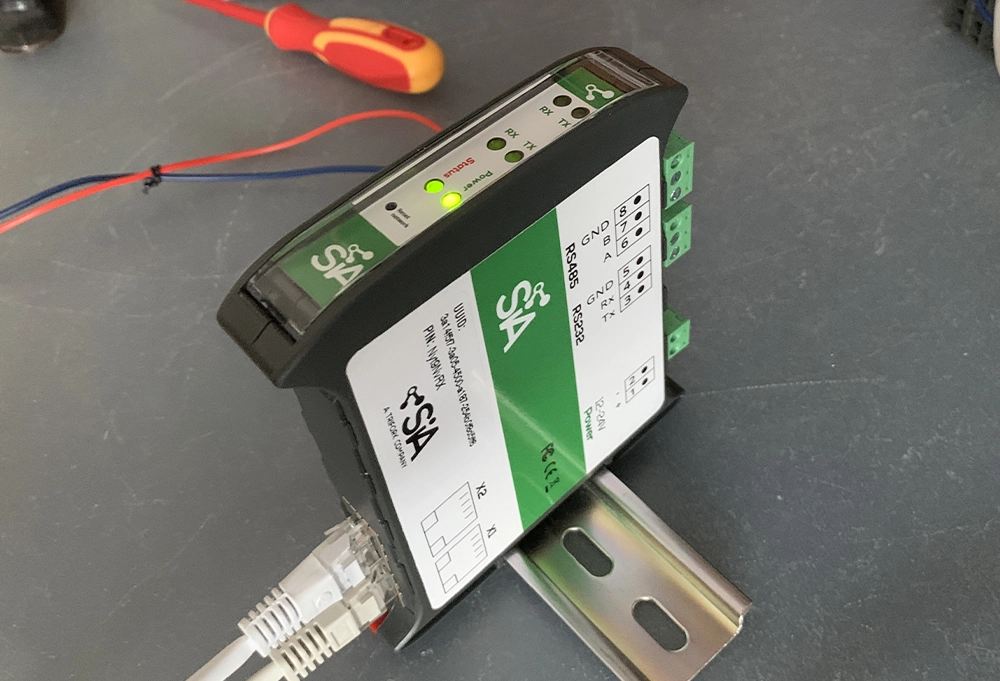
Wide power supply: 10–30 VDC, 2× Ethernet (separate RJ45 ports, 10/100 Mb), serial ports: RS232 and RS485. Additional parameters can be found in the SIA Connect product specifications.
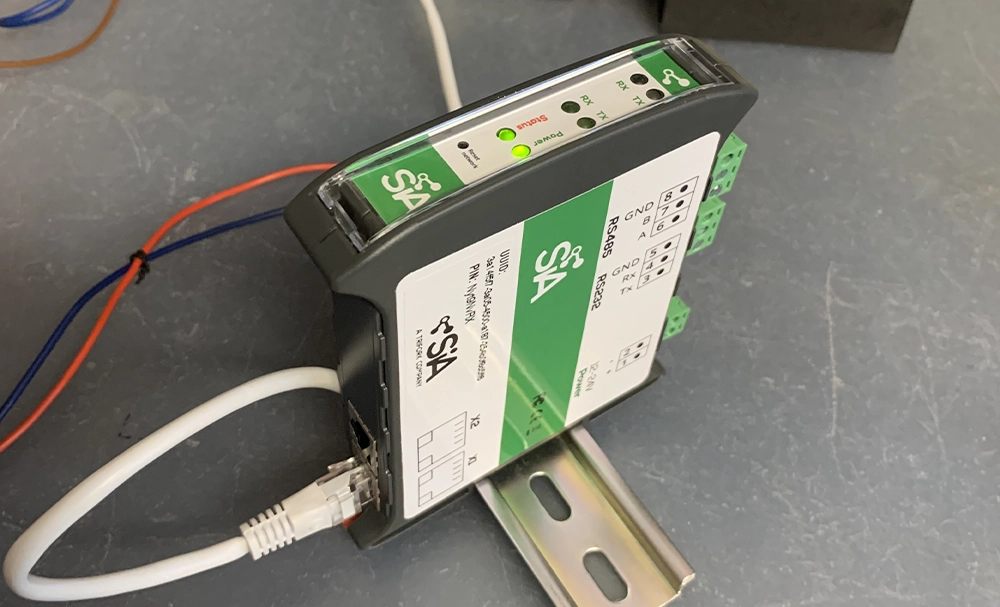
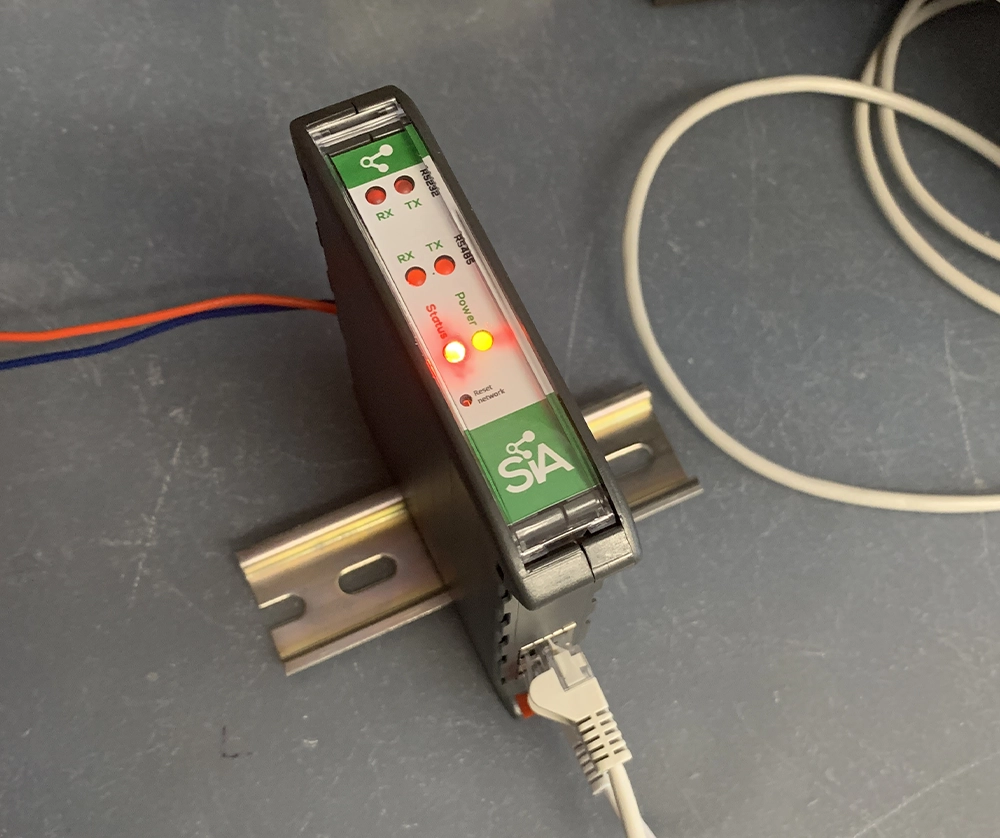
Nothing more, nothing less. A green LED indicates power, while a red LED signals reboot and other states.
One possible solution is data collection and sending it, for example, to a selected cloud. This module is freely configurable for various applications, so anything you need must be installed or activated.
It’s essentially a modular system.
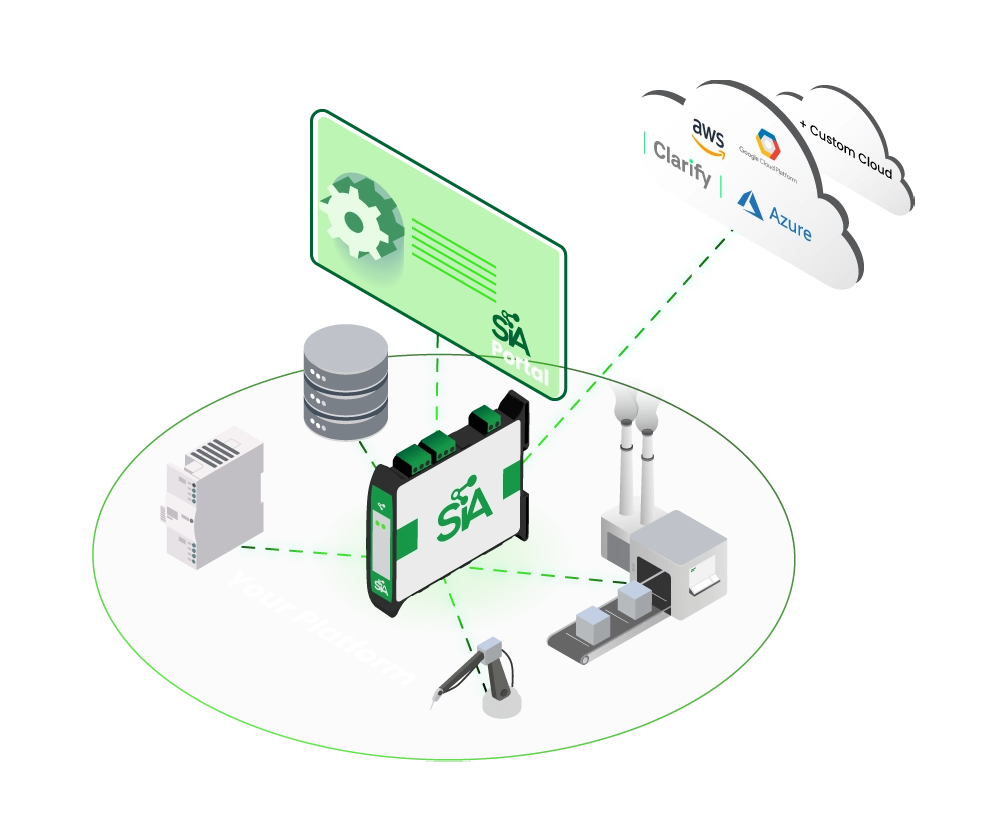
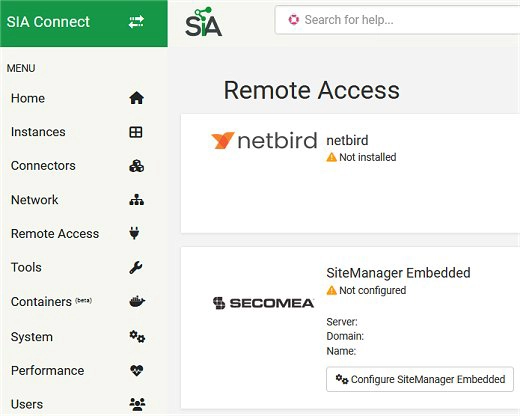
For remote access, software such as Secomea or Netbird can be used.
The whole system is open and supports installation of additional tools—it depends on the specific application and how you intend to use the hardware.
Access and configuration of the module are somewhat different from what is typical for similar devices used for remote VPN access to PLCs. When connecting via Ethernet to the module’s default IP address for the first time, you must first create a user account. This requires a PIN, which can be found on the side of the device.
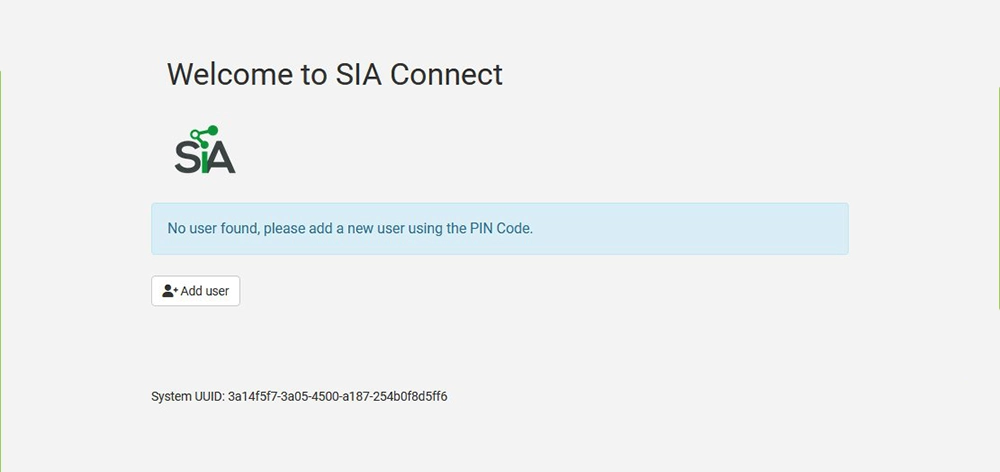
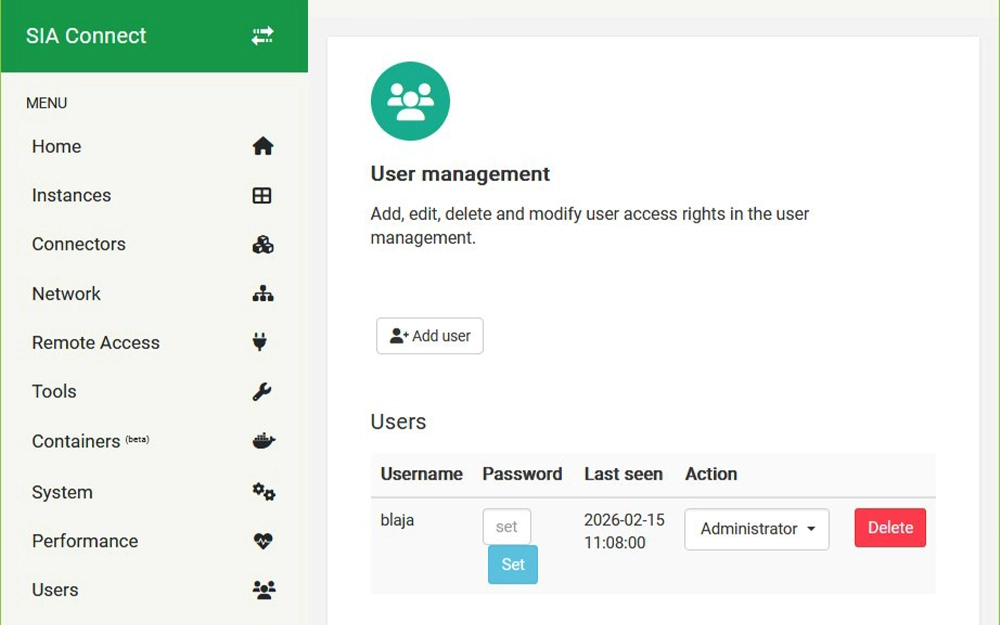
Once the user is created, you can continue. It should also be noted that there is no PDF manual provided with the device as usual—everything is available online on the manufacturer’s website.
As usual, we set IP addresses so the module works within our PLC network. Both ports allow access to the settings, but they are otherwise separated.
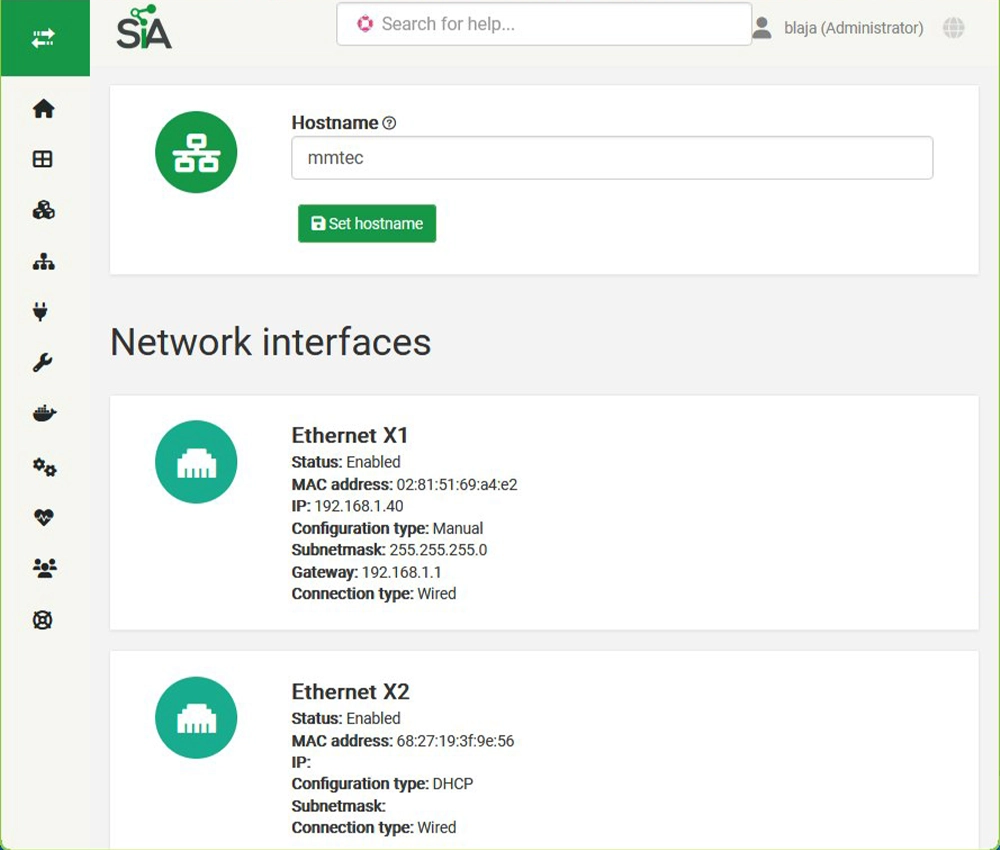
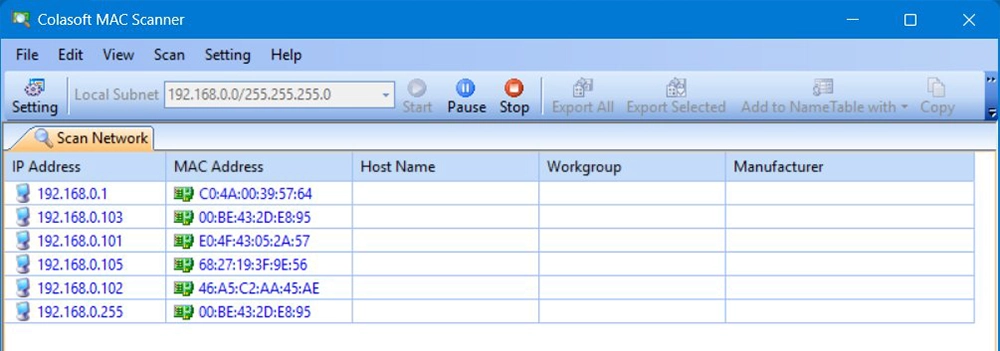
Here we have our module with IP address x.x.1.40—verify it also using the MAC address.
The module is initially “empty,” so the first step is to install a connector, usually from a file downloaded from the manufacturer’s website. A full list of connectors is available in the product specifications.
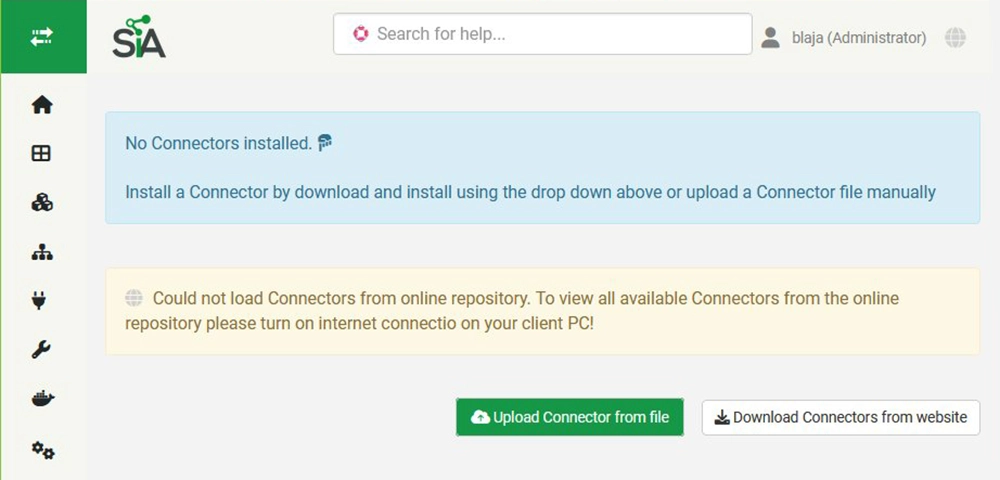
The downloaded file is installed into the module.

Once installed, you can add more connectors for testing purposes. They can always be easily removed.
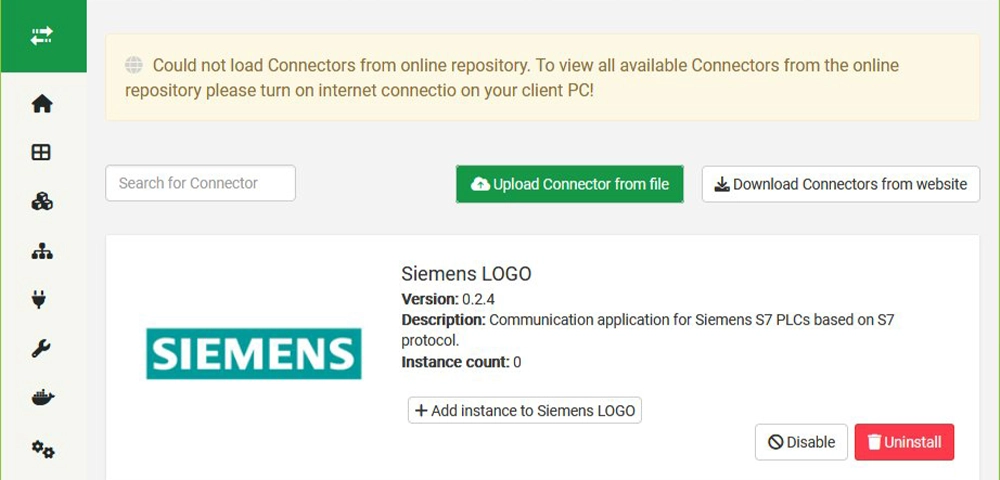
A connector (or driver) is then added as a new instance/object.
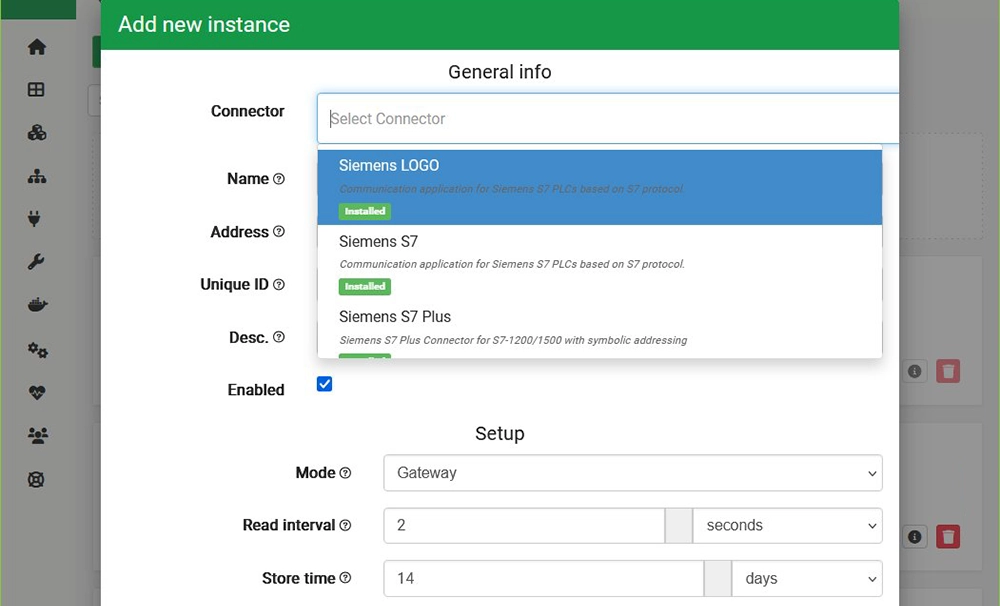
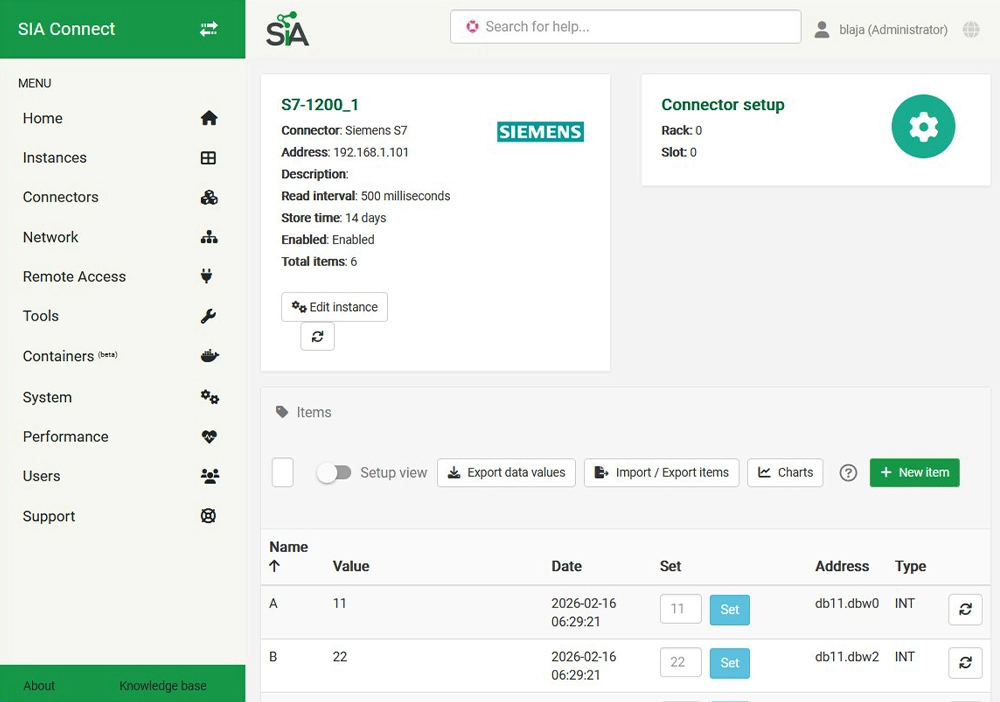
We created three sample objects. One Siemens connector was used for LOGO! and older S7-200 PLCs. We configured an S7-1200 instance using Siemens S7 communication.
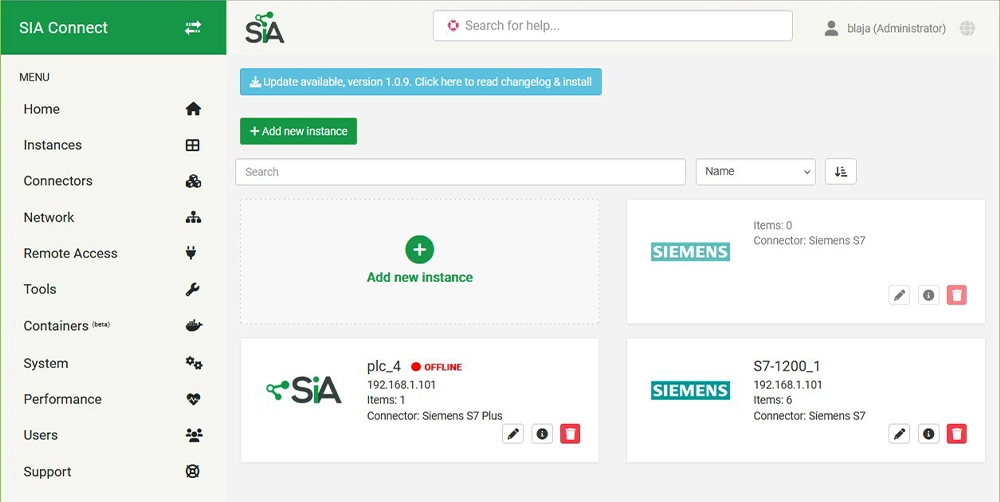
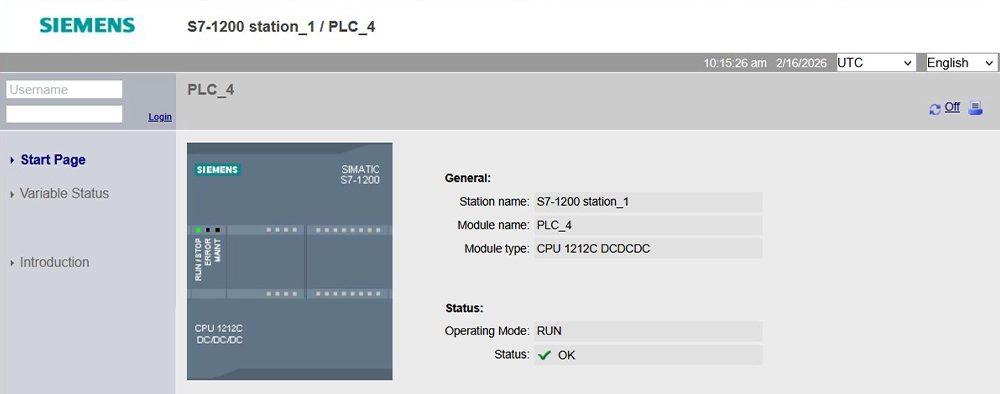
The PLC at the given address is operational, so we tested whether we could retrieve data from it.
The object includes several tags (data points).
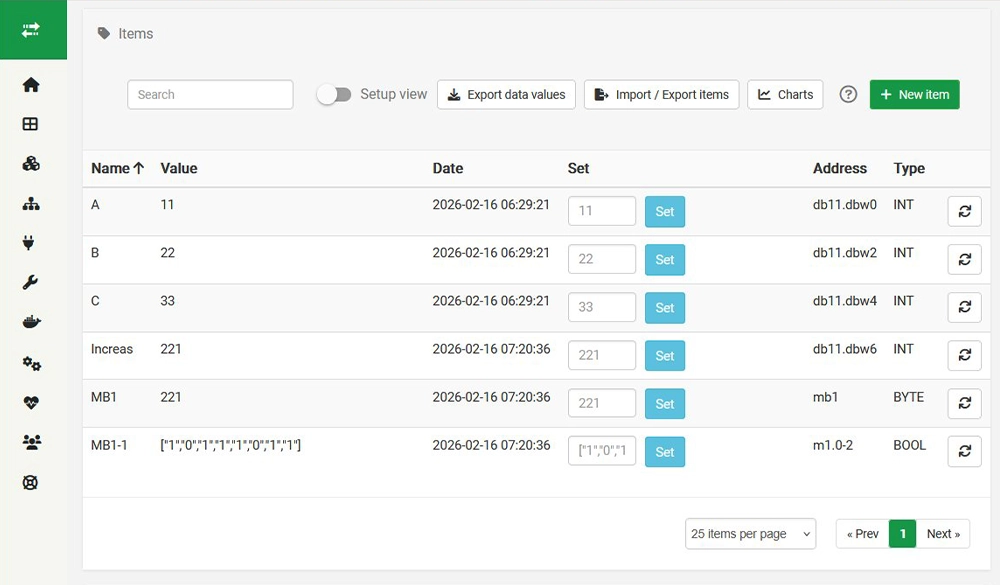
All tags are now active. An interesting detail is the address syntax for displaying a byte bit-by-bit on the last line.
In the PLC, a simple program adds variables “A” + “B” and stores the result in “C.” As shown, values can also be written back to the tag.
Prepared objects for remote access.
We switched internet access to port X1 (x.x.0.40) and the PLC network to X2 (x.x.1.40).
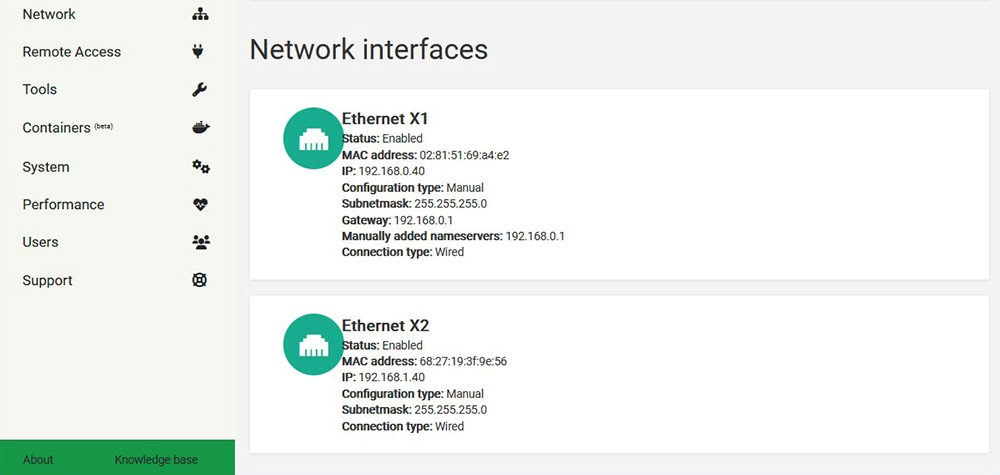
Then we verifiy the connection functionality.
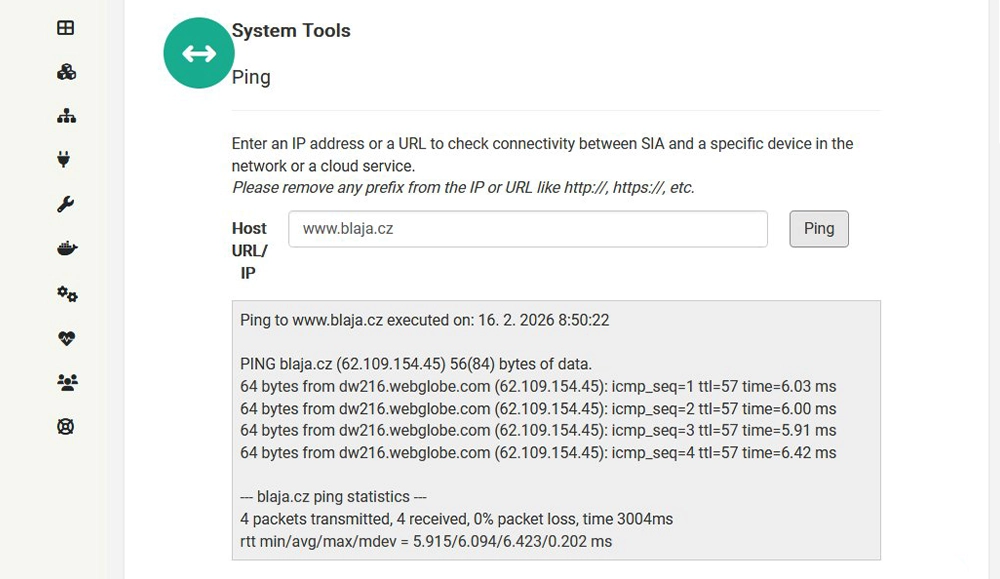
Even though everything is visualized in the logged-in user interface, this setup ensures that both networks are separated for external access. Without installing the necessary objects and services, the PLC cannot be accessed. This ultimately depends on the specific application—the system is very flexible.
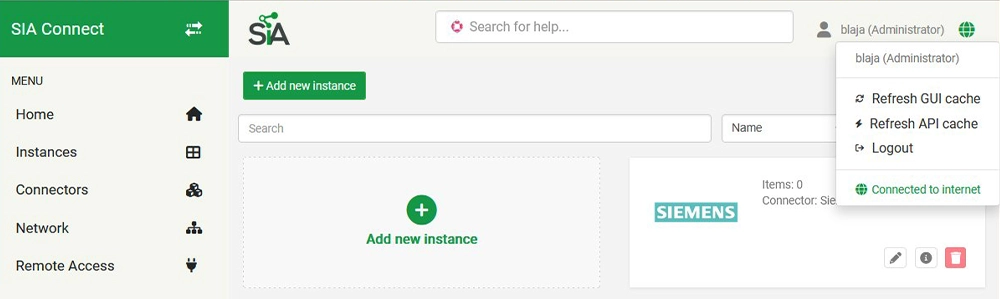
Tutorials and guides: https://help.sia-connect.com/en_US/tutorials-guides
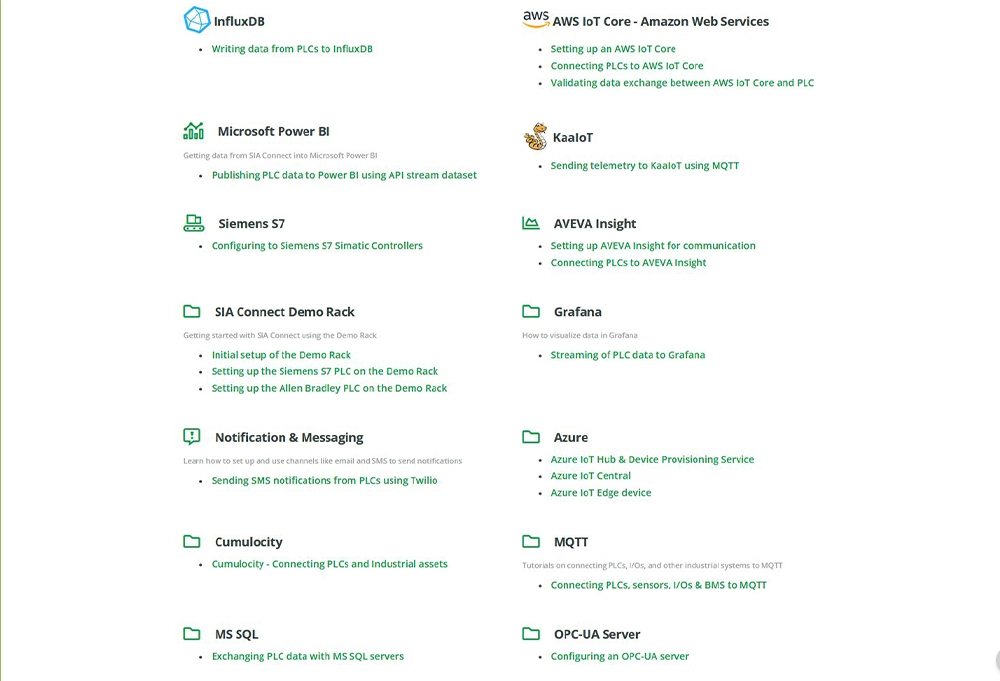
Additional links:
- List of additional connectors can be found here: https://help.sia-connect.com/en_US/connectors
- List of supported cloud services: https://help.sia-connect.com/intro-to-sia/supported-clouds-iot-messaging
- Support for industrial devices and PLCs: https://help.sia-connect.com/intro-to-sia/supported-industrial-buildings-devices
- Database support is available here: https://help.sia-connect.com/intro-to-sia/supported-databases
Conclusion:
SIA Connect is a versatile module suitable for a wide range of applications. It is important to carefully consider your requirements and choose the appropriate configuration accordingly. Many access services, cloud platforms, and databases are offered by the manufacturer with a free trial period. However, these are typically limited to a single use case. For remote access, alternative solutions such as Ewon or REX modems can also be used.
Jaroslav Blažek (blaja.cz)
Interested in SIA Connect?
- Ready to get started with SIA Connect? Order the module from our e-shop. If you need help with configuration, contact our technical support: support@foxon.eu.
- Or book a consultation with our product manager to explore additional use cases of the SIA Connect module or its software version, which is just as compelling.
Recommended products2
Collects data from PLCs, stores it in a database and converts it to MQTT and OPC UA - SIA Connect HW
847 EUR Incl. VAT
Collects data from PLCs, stores it in a database, and converts it to MQTT and OPC UA – SIA Connect SW
726 EUR Incl. VAT