

OPC Router 5.5: Cloud Integration, Data Standardization, and AI Features

The new version of the data connector brings major improvements for data processing, data standardization, and connecting to artificial intelligence. The features in version 5.5 create an end-to-end data flow—from collecting information at machine level to analyzing it in an AI cloud. The new version also brings the Snowflake plug-in.
Move Production Data to an AI Cloud with the Snowflake Plug-In
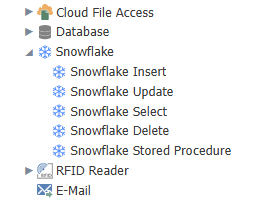
The new Snowflake plug-in provides a direct connection between OPC Router and the Snowflake AI Data Cloud platform. It combines data storage, processing, and analytics, making it an ideal environment for AI and machine learning.
Key Benefits:
- A fully featured database plug-in (Select, Insert, Update, Delete)
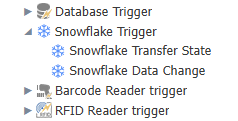
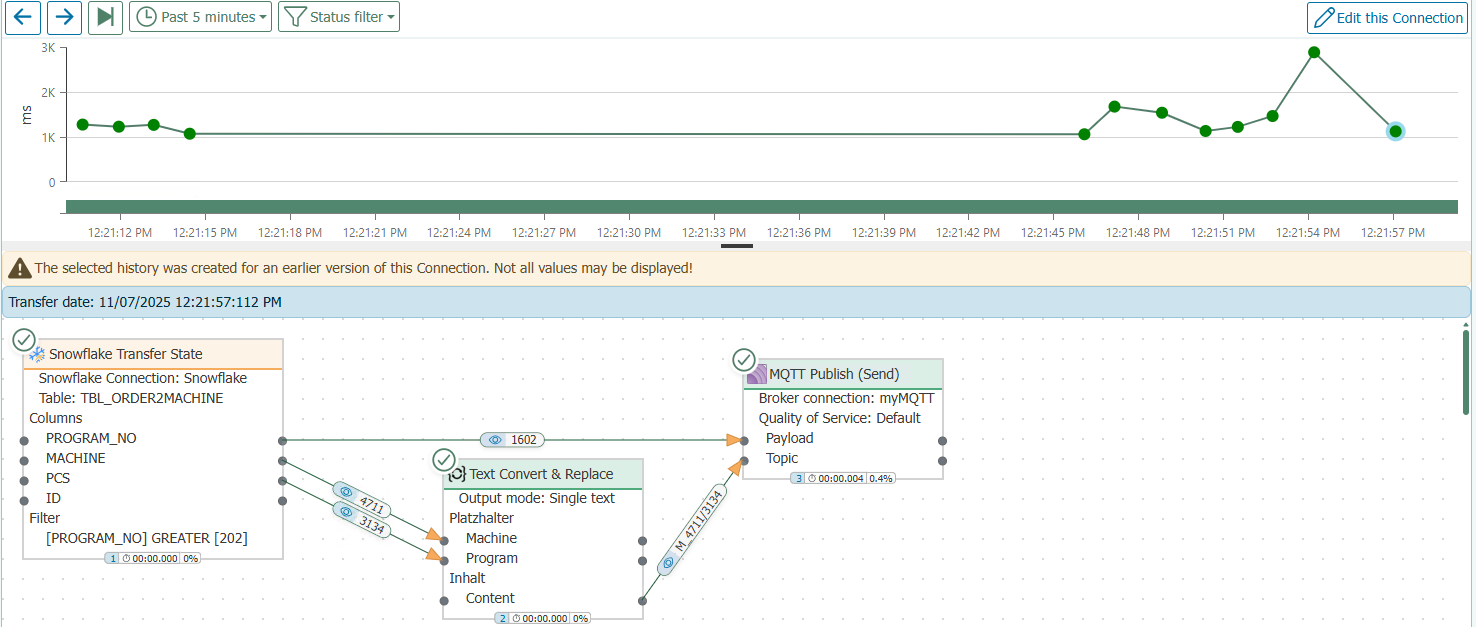
- Easy transfer of data from machines, sensors, and processes to the cloud
- Advanced AI models for classification, summarization, and data analysis
- The ability to return AI results back to OPC Router and use them further
As mentioned in the last point, the plug-in supports bidirectional data flow. AI results can be sent back into production, used in dashboards, stored in other databases, or used as a trigger for automated actions.
Connect AI Systems to Production Data with MCP
OPC Router 5.5 now supports MCP (Model Context Protocol), a unified open standard for connecting AI applications to external systems.
In practice this means:
- AI can access data from all OPC Router plug-ins
- The user defines exactly which data is provided to the AI and in what way
- Data from multiple systems can be combined and the AI can receive full context
- Configuration is done easily using the familiar REST plug-in
MCP simplifies AI integration and enables generating outputs directly from real values—reports, visualizations, and text analyses.
Save Time by Standardizing JSON Using OpenAPI and AsyncAPI
Modern industrial communication uses JSON (REST, MQTT, Unified Namespace), but manually defining it is often slow and error-prone. That’s why OPC Router 5.5 now introduces automated handling of JSON schemas.
This makes it possible to:
- Import OpenAPI schemas for REST APIs
- Import AsyncAPI schemas for MQTT or UNS
- Automatically create input and output structures
- Define your own central JSON schemas with versioning across the company
The result is a more consistent data architecture, easier project maintenance, and an ideal preparation of data structures for AI.
Access MQTT Data Anytime with MQTT Storage
You know MQTT is event-based. If you’re not listening at the moment a message is published, it’s lost. The new MQTT Storage feature solves this problem.
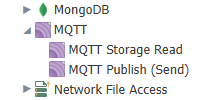
OPC Router now stores the last received payload for each topic. Thanks to this:
- MQTT values can be read even without an active event
- MQTT data can be combined with time-based / logical triggers
- Reports can be created across different topics
- AI can be provided with consistent datasets even outside the moment of publishing
Activation is done directly in the MQTT plug-in.
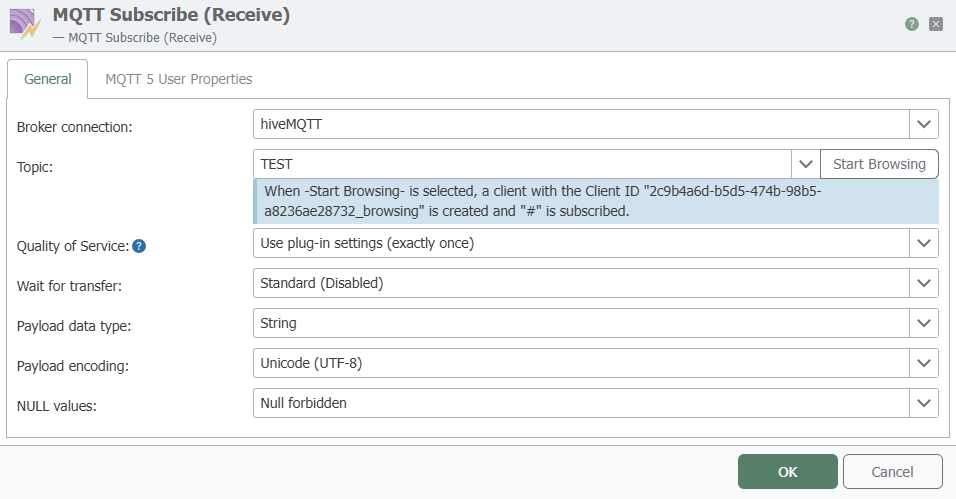
Improvements to the MQTT Plug-In (MQTT v5)
Support for MQTT 5 brings new functionality into OPC Router:
- User Properties: any meta-information as key-value pairs
- ResponseTopic: the sender specifies where the response should be delivered
- CorrelationData: matching request and response for request-response logic
These features are especially useful where fast bidirectional communication or precise pairing of queries and responses is needed.
Download OPC Router 5.5 for Free
Download the TRIAL version of OPC Router 5.5 from our online shop and try the new features. It’s the full version of the software with a 2-hour time limit. Test the new version at your own pace—it’s up to you when you switch to the full version in real operation.
👉 Not an OPC Router user yet and interested in how the core of this data connector works, or in a specific plug-in or add-on? You can find all information about OPC Router in our online shop.
You can also learn how OPC Router is used in practice in our case studies on Edwards in Lutín near Olomouc and Van Leeuwen in Dobříš.
❓Do you have a technical question? Contact our technical support: support@foxon.cz
Recommended products16

OPC Router – Basic Module
286,77 EUR Incl. VAT

Barcode Reader Plug-In for OPC Router
562,65 EUR Incl. VAT

Charm EZ System Plug-in for OPC Router
562,65 EUR Incl. VAT

Microsoft Access DB Plug-In for OPC Router
562,65 EUR Incl. VAT

MongoDB Database Plug-In for OPC Router
562,65 EUR Incl. VAT

MySQL DB Plug-In for OPC Router
562,65 EUR Incl. VAT

ODBC DB Plug-In for OPC Router
562,65 EUR Incl. VAT

OLE DB Plug-in for OPC Router
562,65 EUR Incl. VAT

Oracle DB Plug-In for OPC Router
562,65 EUR Incl. VAT

SAP HANA DB Plug-In for OPC Router
1 095,05 EUR Incl. VAT

SQL Server DB Plug-In for OPC Router
562,65 EUR Incl. VAT

SQLite DB Plug-In for OPC Router
562,65 EUR Incl. VAT

DB Suite Plug-ins for OPC Router
1 216,05 EUR Incl. VAT

Email Plug-In for OPC Router
562,65 EUR Incl. VAT

ERP/SOAP Web Services Plug-In for OPC Router
2 952,40 EUR Incl. VAT

Euromap 77 Plug-In for OPC Router
2 522,85 EUR Incl. VAT