

Review: Horner Micro X4 PLC in the hands of Jarda Blažek

The Irish company Horner Automation produces a truly wide range of all-in-one products, meaning PLCs with HMI and I/O. Jarda Blažek (blaja.cz) has already tested several of them. What impressed him about the X FOUR? Did everything go “smoothly”?
Review: PLC Horner Micro HE-X4A
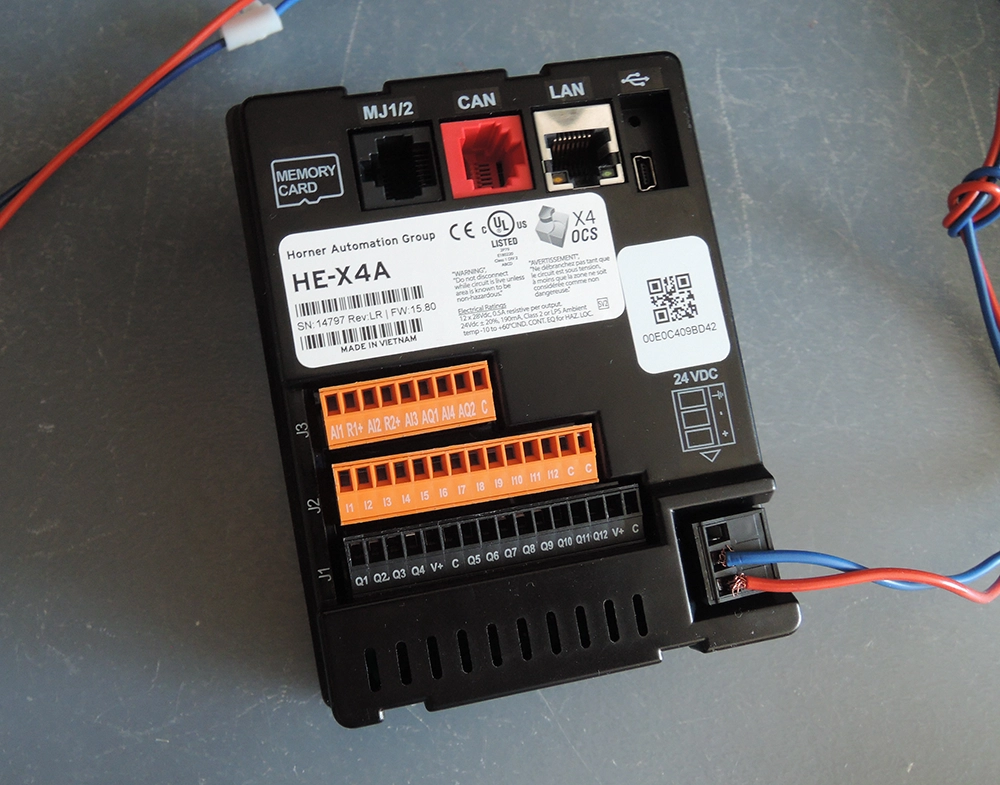
The 4.3″ PLC HMI features a color touchscreen display with analog/digital inputs and outputs. At first glance, it may not even look like a PLC—just an HMI—but that’s not the case, as we’ll demonstrate in practice.
- HE-X4A,
- 12× DI (4× HSC, 500 kHz)
- 12× DO (2× PWM, 65 kHz)
- 4× AI (0–20 mA, 4–20 mA, PT100 RTD, 12-bit)
- 2× AO (4–20 mA, 12-bit)
- Dimensions: 96 × 125 × 31 mm
- Made in Vietnam, according to the label and the seller’s website.
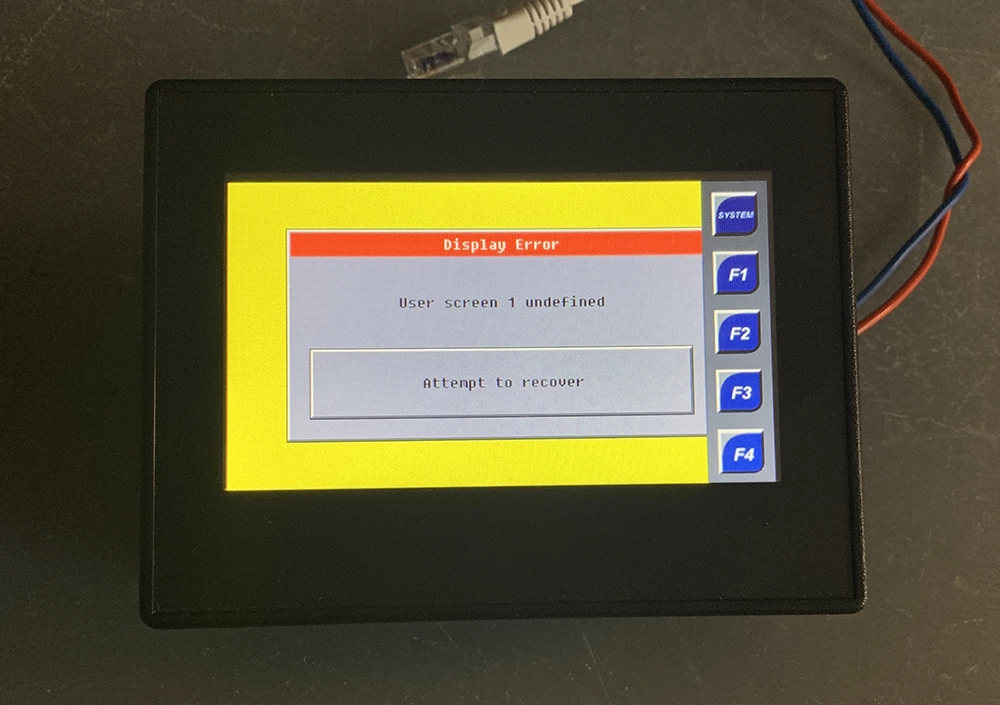
After the first power-up without configuration, this screen appears. Using the system key, we’ll try to set an IP address and explore what is hidden in the system menu.
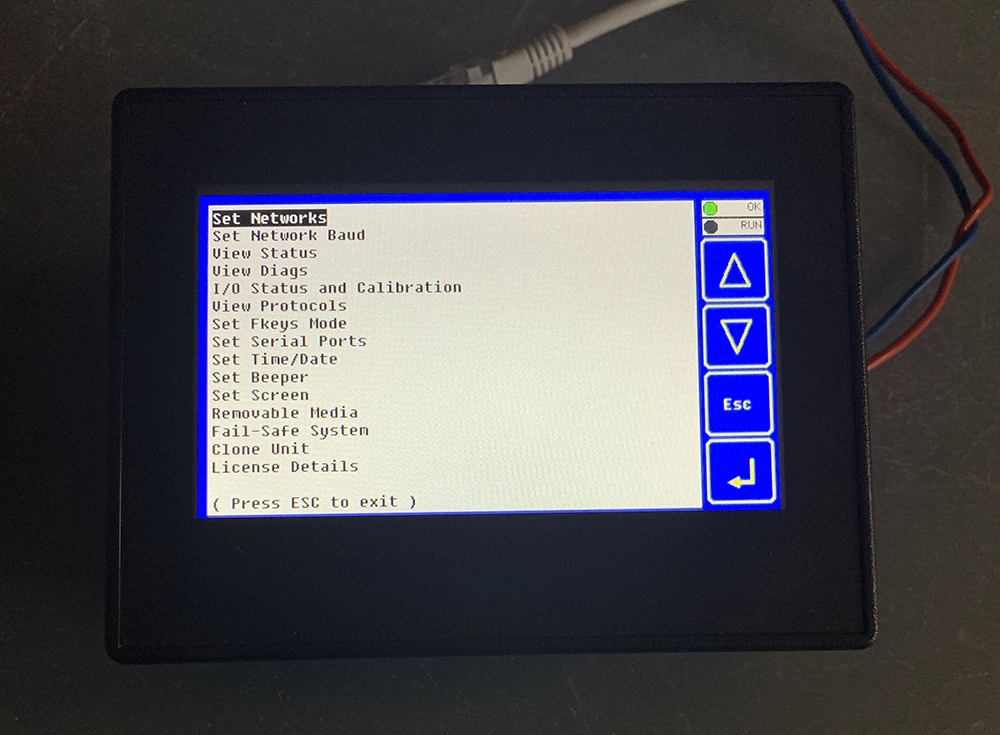
The entire system menu is basically the same as on larger PLC displays, just entirely text-based—icons wouldn’t fit very well here.
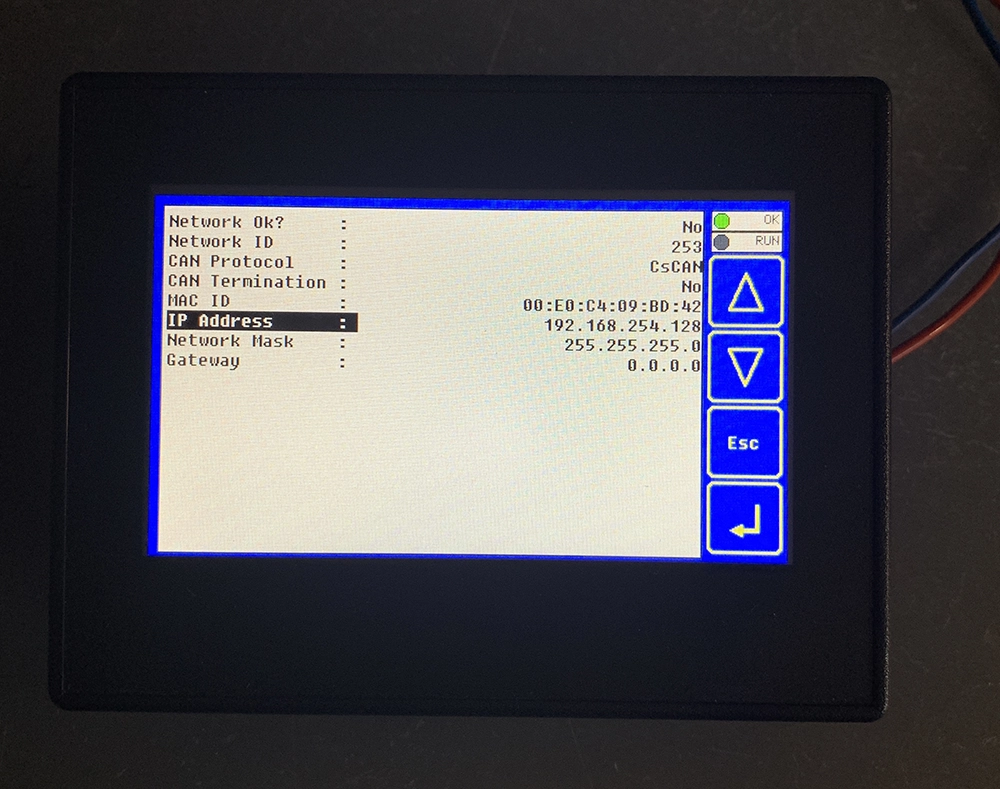
For now, it’s enough to set the IP address to 192.168.1.132.
After connecting to the network, we need to “see” the PLC using some tool, or via the ping function.
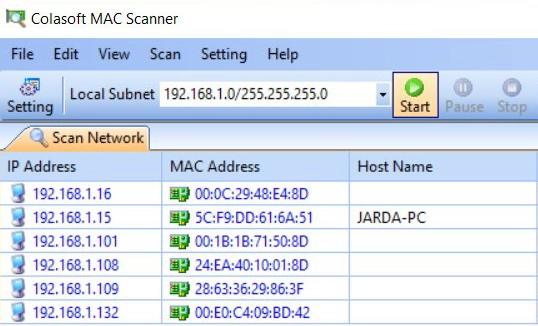
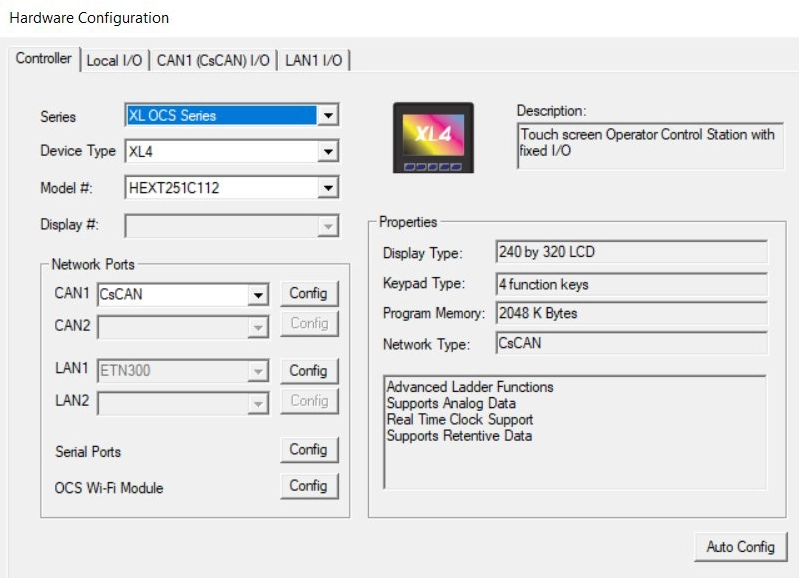
In the hardware configuration via the Cscape software, we’ll leave the newly created project and try uploading it to the PLC—even though the PLC is completely different from the one in the project.
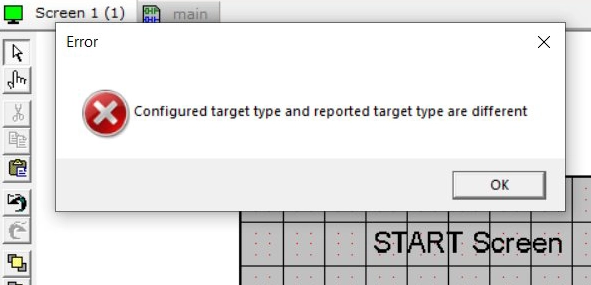
It doesn’t work—the system reliably recognizes the mismatch and prevents the configuration upload, which is correct.
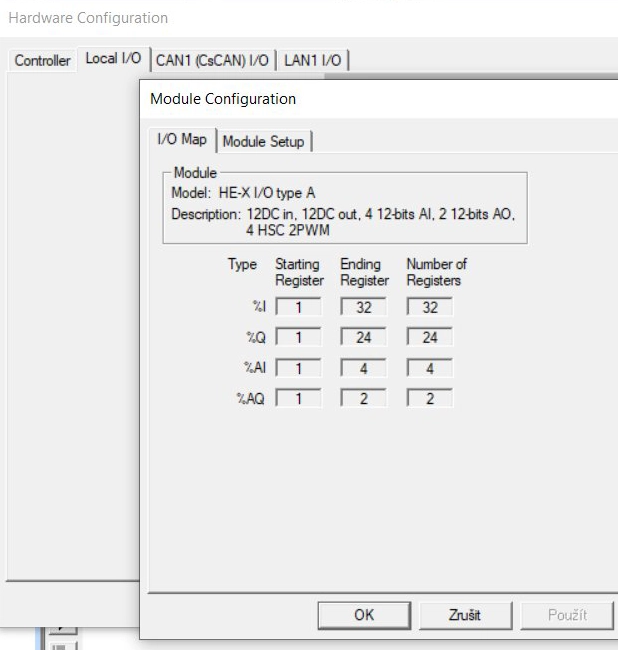
Here is the correct configuration.
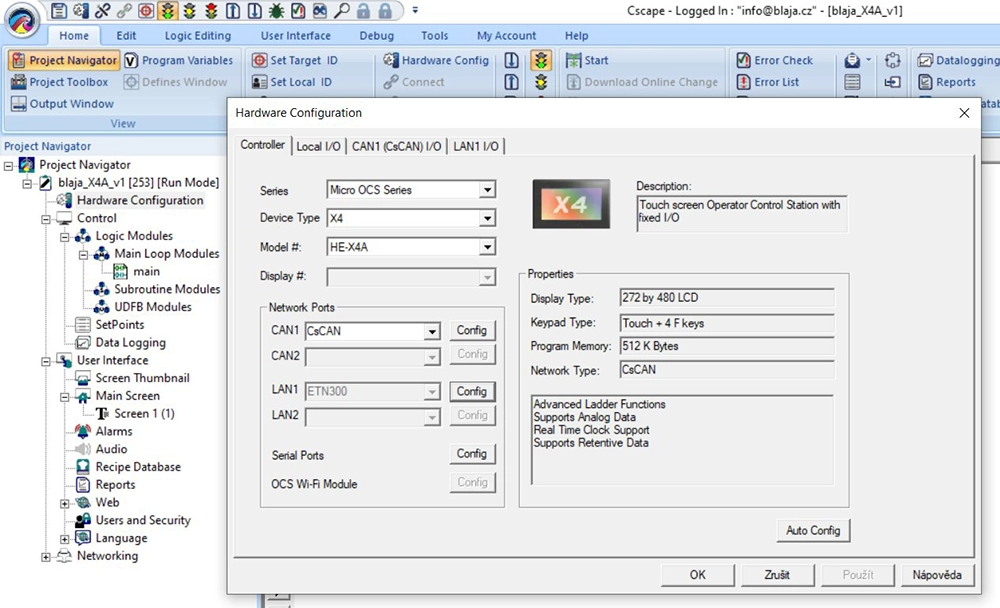
Also including addressing.
This time, we’ll keep the newly generated project and try to bring in something from previous projects.
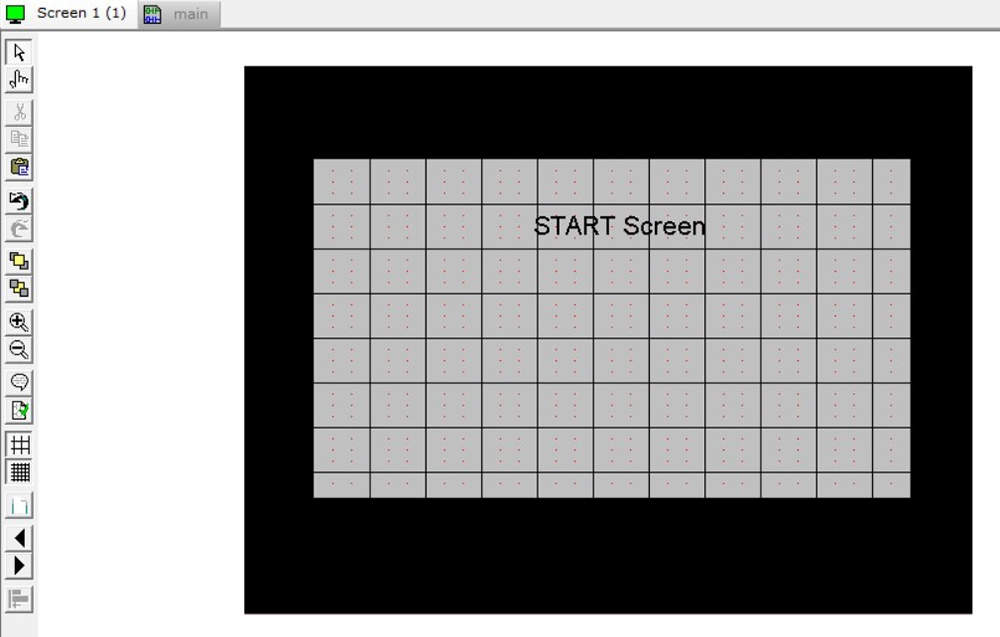
This is what it will look like shortly.
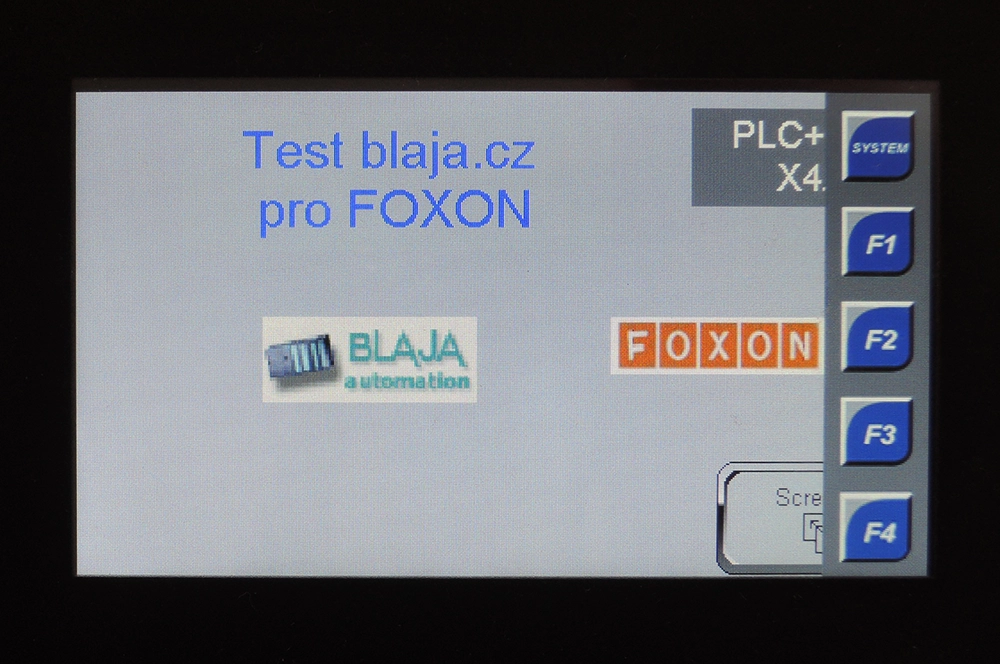
Even though we copied objects from a previous project via clipboard, this small series does not recognize some graphics—it’s necessary to select and confirm them. Alternatively, you can load your own images, which is practical since it minimizes the need for corrections when transferring projects.
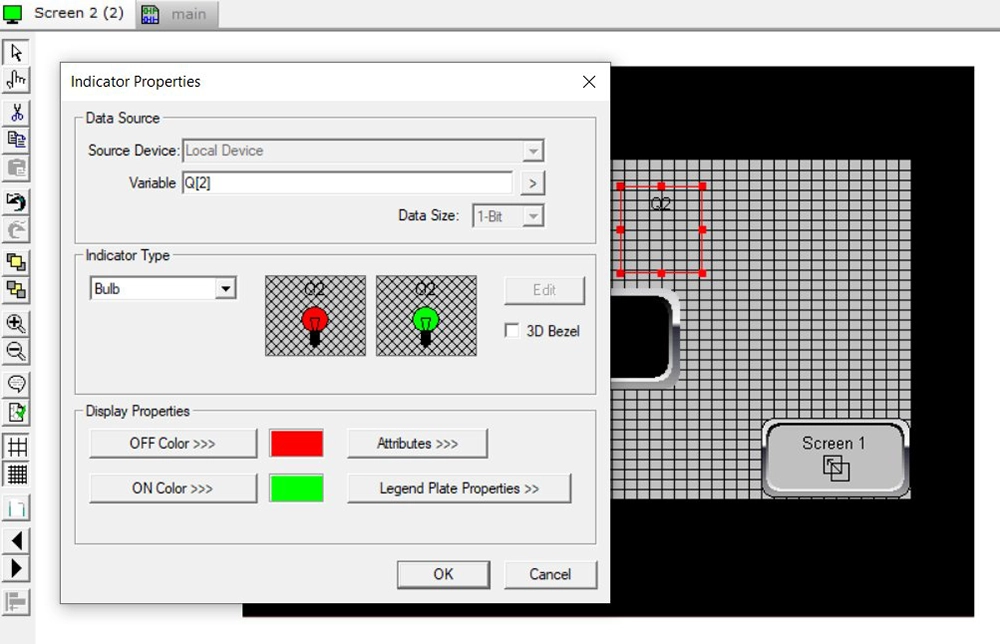
We also copy part of the program, but without variables, so we’ll need to fix those during compilation.
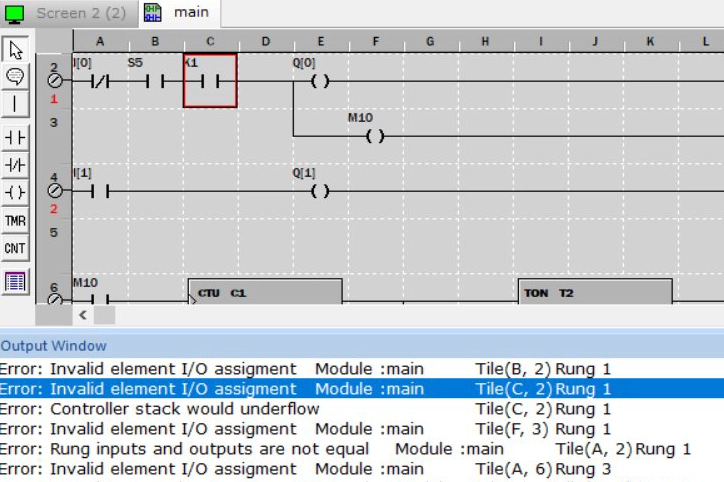
System variables must be supplemented with mapping.
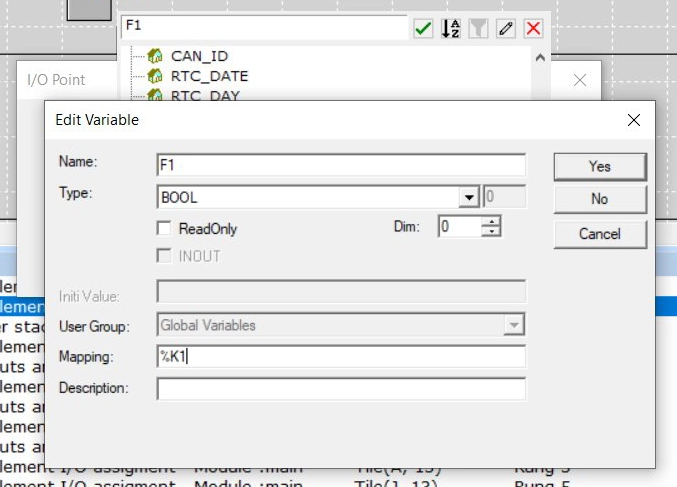
For example, for the F1 button.
The rest just needs to be confirmed.
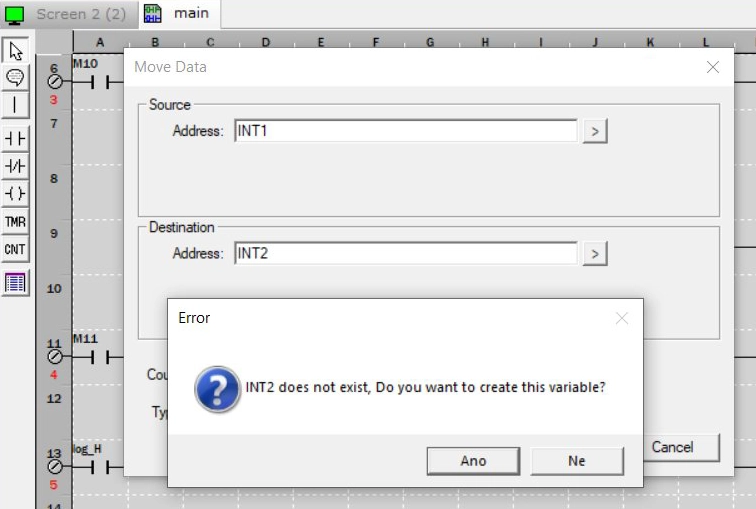
And that’s it.
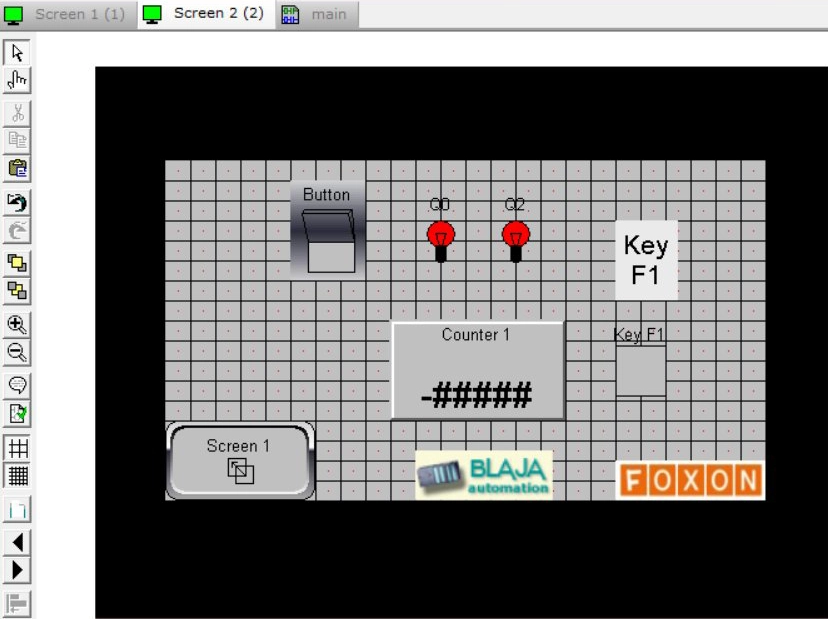
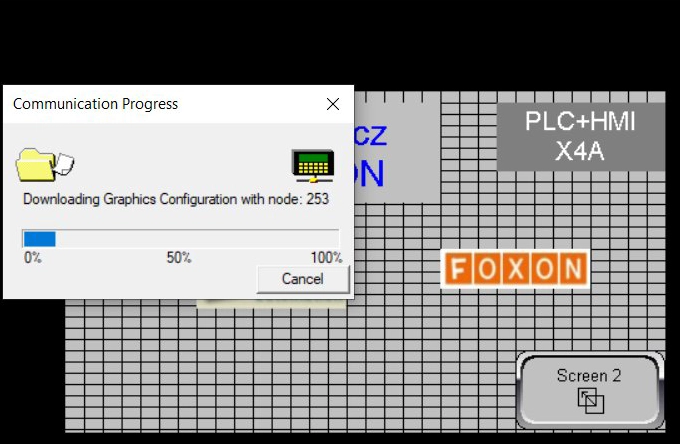
Now the software allows us to upload the project to the PLC.
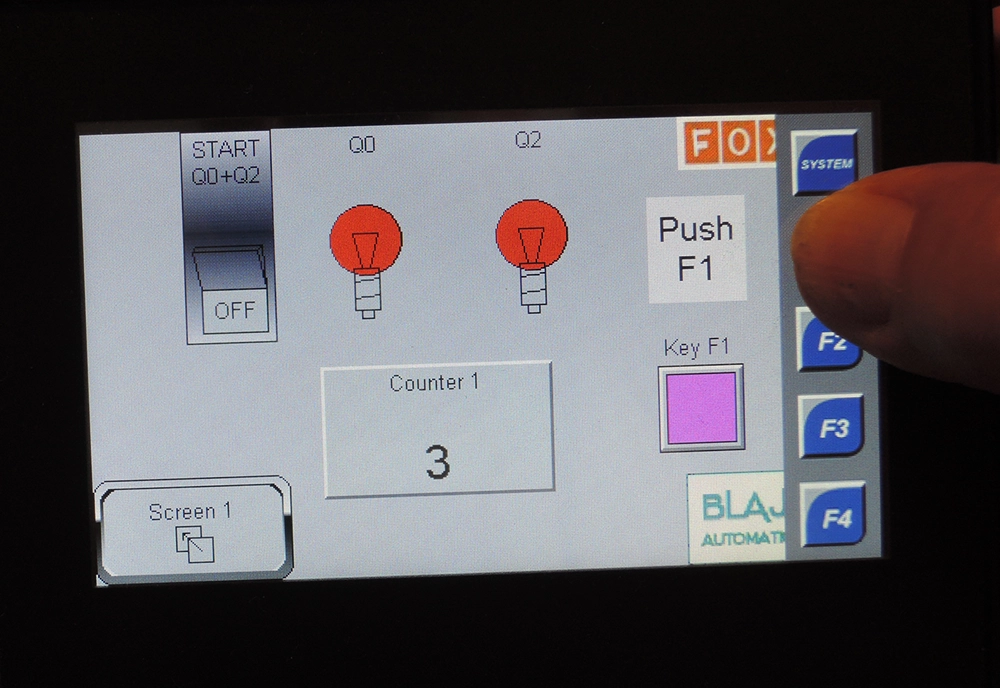
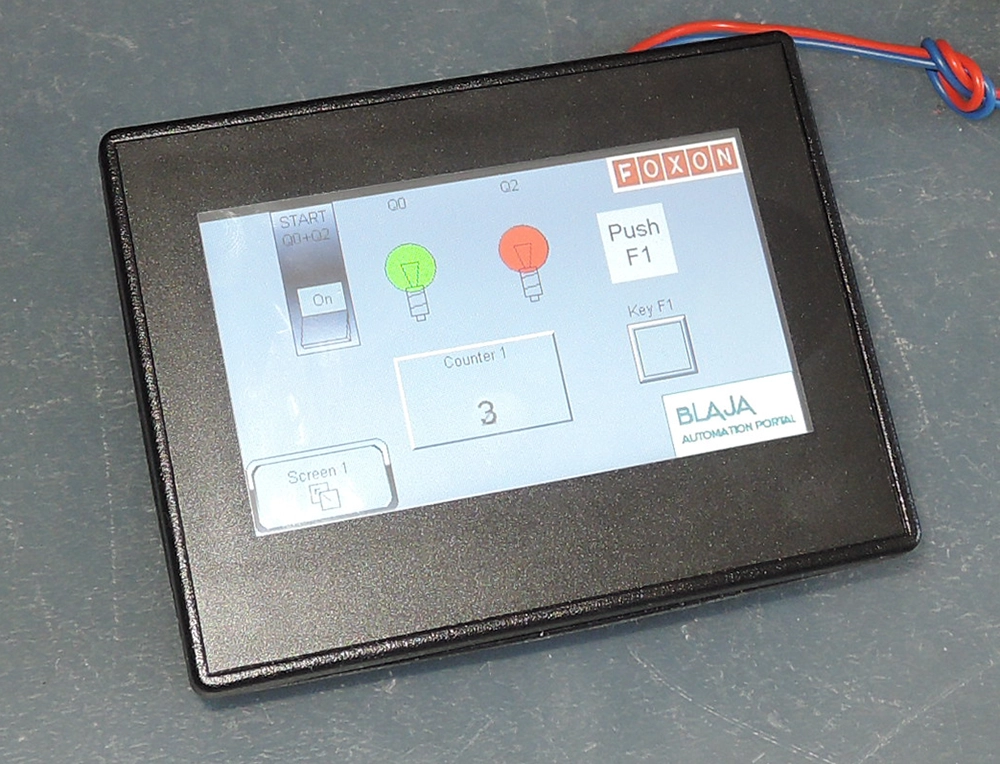
It runs smoothly.
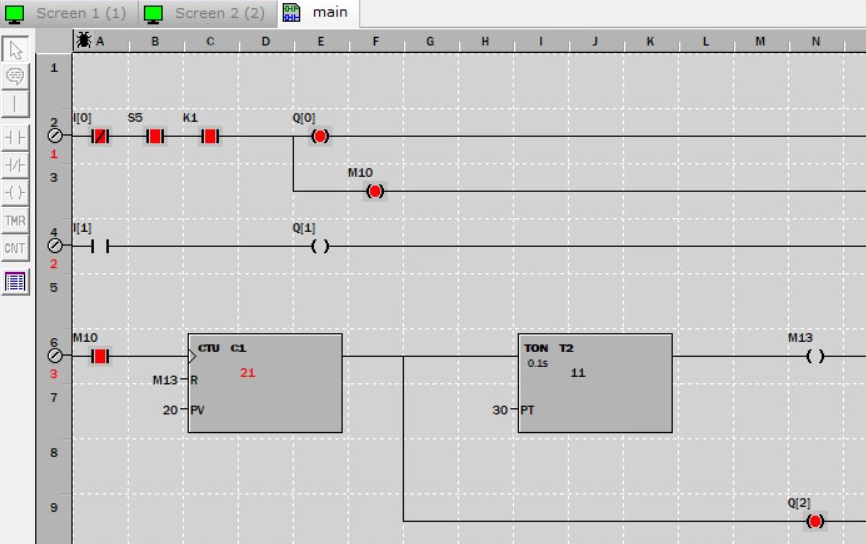
Like here. Manuals and further information can be found with the product.
Conclusion:
Once you create one project, the next ones are no longer a problem—most functions are the same.
This small series is fairly powerful and will certainly be sufficient for many applications. And the widescreen display can show plenty of information.
Jaroslav Blažek
 Are you designing a new machine or need a compact PLC with HMI and I/O in one device?
Horner is among the solutions that are easy to deploy even in smaller applications.
Contact our technical support (podpora@foxon.cz), and we will help you with selection and configuration.
Or reach out to a sales representative in your region.
Recommended products1

HORNER X4 PLC HMI controller with 4.3″ colour touchscreen, analog / digital inputs and outputs
561,44 EUR Incl. VAT