OPC Router 5.6: Speed up deployment with the Solution Gallery
A new feature in the OPC Router 5.6 data connector is the Solution Gallery — a gallery of preconfigured integration solutions. Its goal is to speed up project deployment and reduce manual configuration. Instead of building an integration from scratch, you can use a ready-made template, fill in the required parameters, and launch the project immediately.
Solution Gallery environment
Benefits of the Solution Gallery in OPC Router
Faster project start – users can begin with a ready-made solution.
Less manual configuration – parameterization instead of complete setup from scratch.
Consistent results – the same solutions can be reused across multiple installations.
Knowledge sharing – created solutions can be saved, reused, and shared.
Solutions based on real requirements – templates are based on practical integration scenarios.
Examples of available solutions
Notifications to Microsoft Teams
Notifications to Slack
Streaming data from OPC UA to InfluxDB
Streaming data from OPC UA to MQTT
Connecting Siemens S7 via OPC UA
Storing data from Siemens S7 via OPC UA in a database
REST with Bearer Token
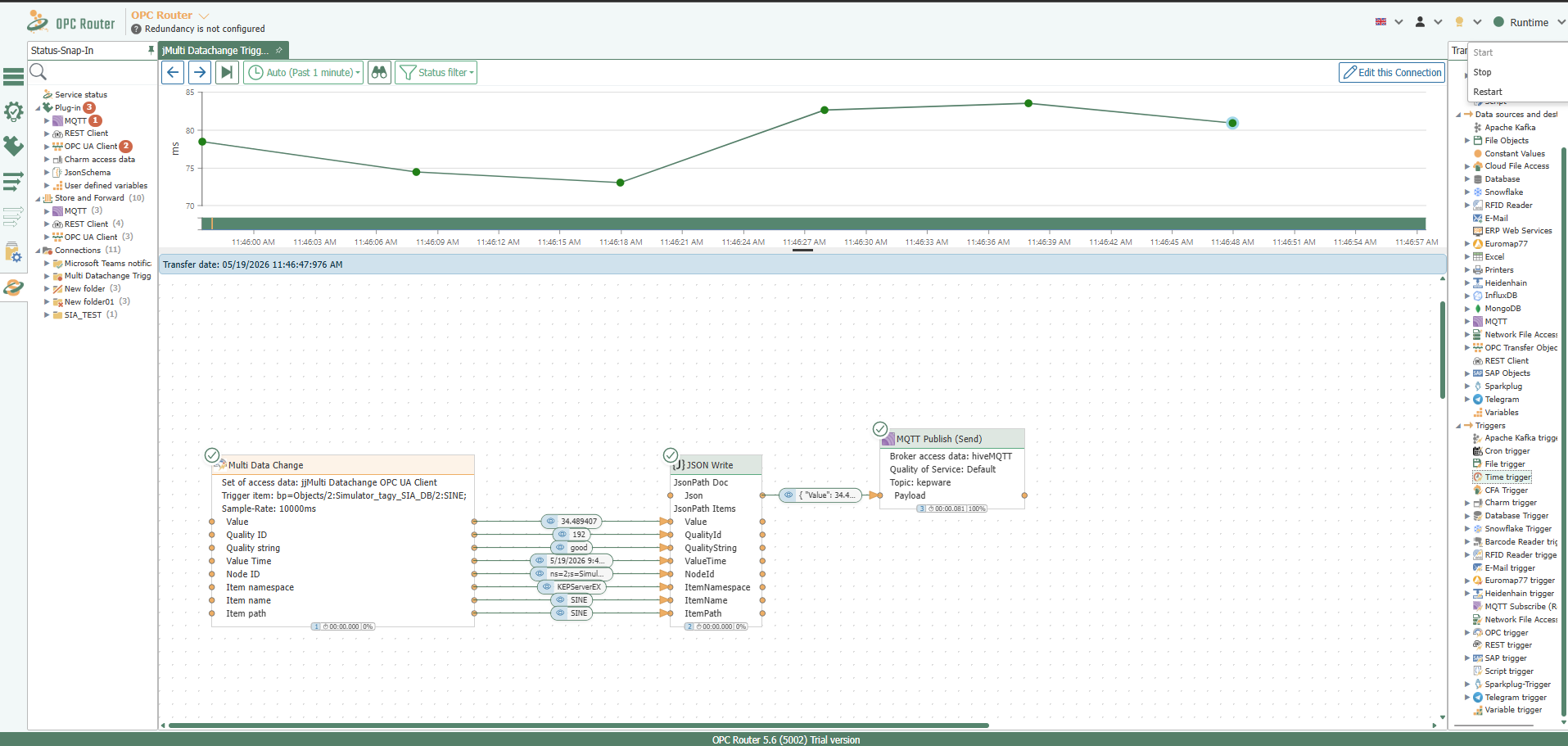
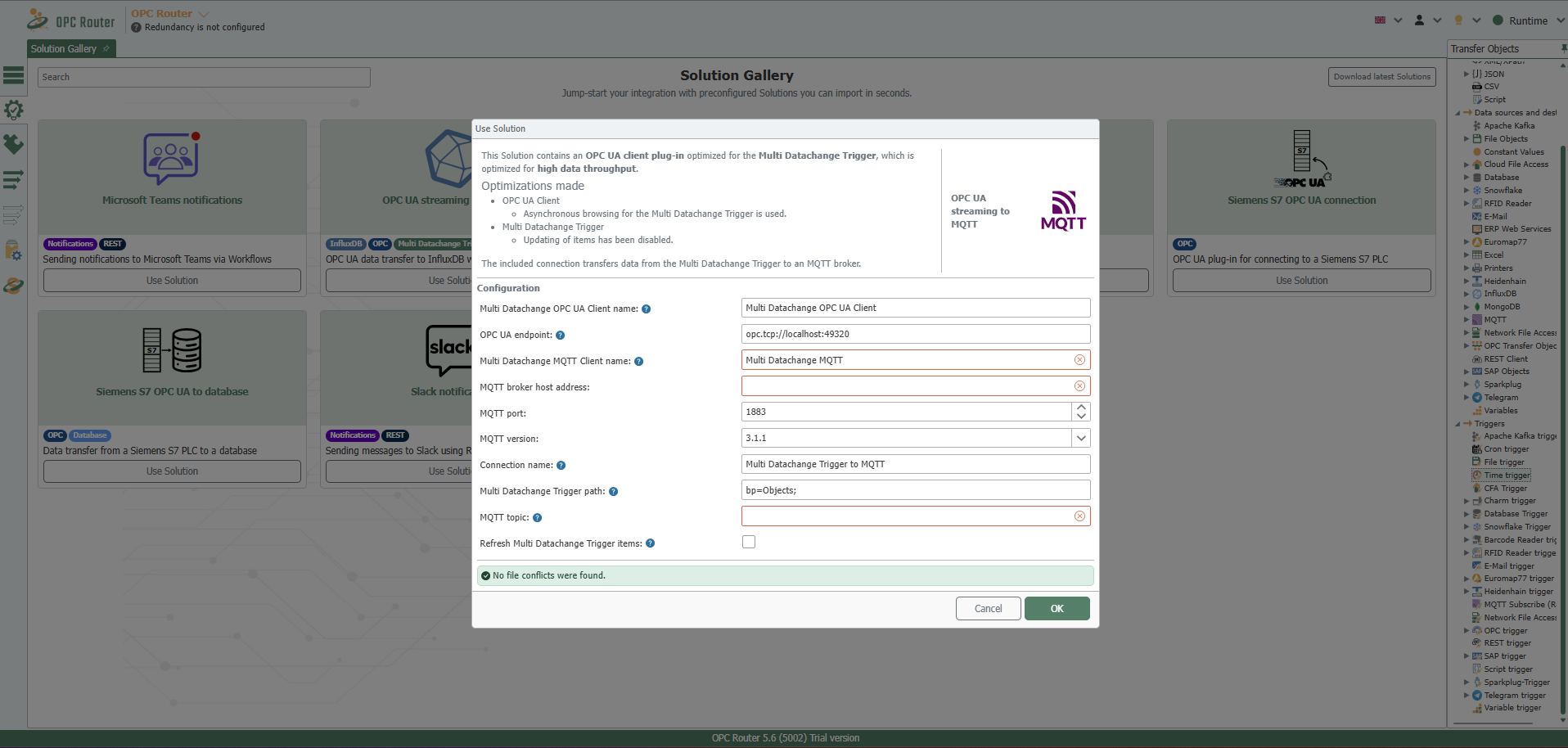
OPC UA data transfer to MQTT using a Solution Gallery template
Example of a template in the Solution Gallery
Other new features in OPC Router 5.6
OPC Client:
Dynamic access to data points
More flexible work with data without unnecessary manual configuration
OPC UA Server
Ability to write values
Automatic tag creation during application runtime
OPC Multi Read
More flexible data queries
Support for a dynamic base path for OPC Multi Read
Monitoring and transparency
Extended connection status
New filtering options
Export functions for better connection control and evaluation
Project documentation
Ability to insert notes with formatted text directly into the project
Better documentation of logic, settings, and context directly in OPC Router
Try OPC Router for free
Take advantage of the option to download a free trial version of the basic OPC Router module from our e-shop. It is a full version of the software with a 2-hour time limit.