

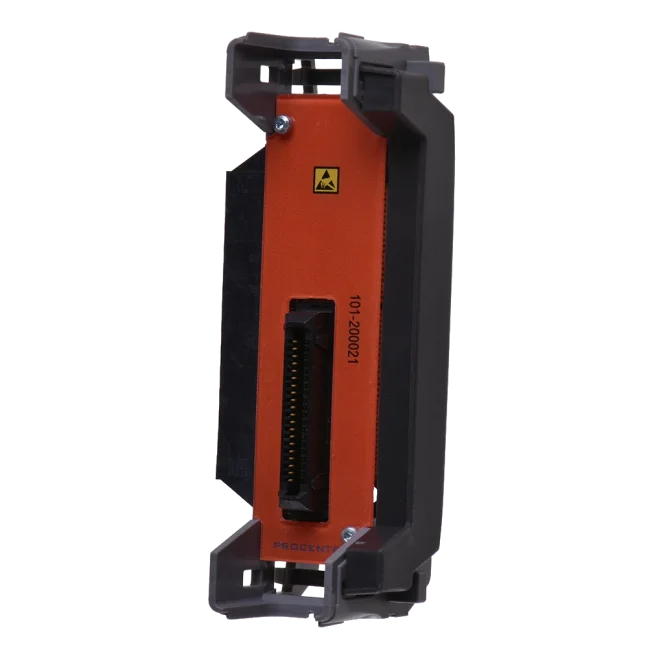
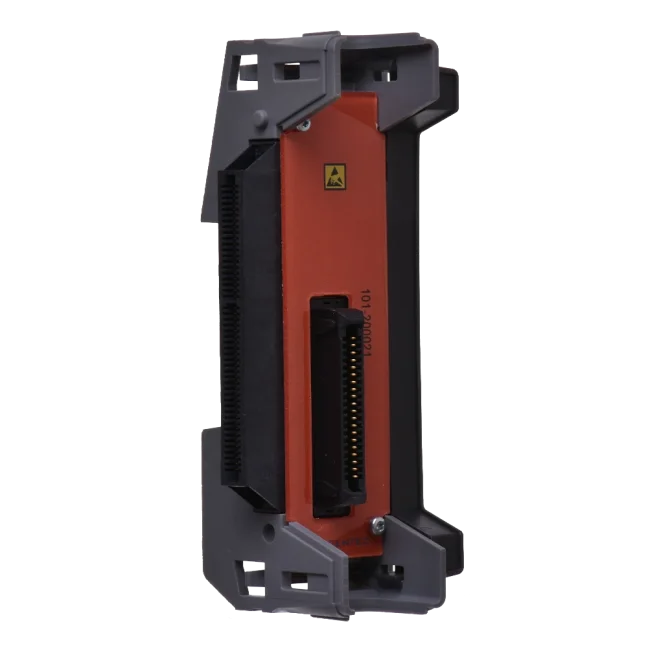
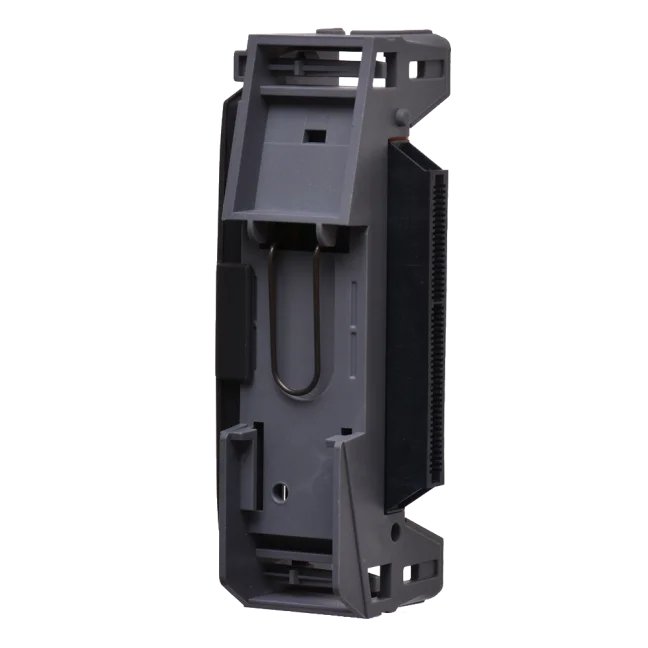
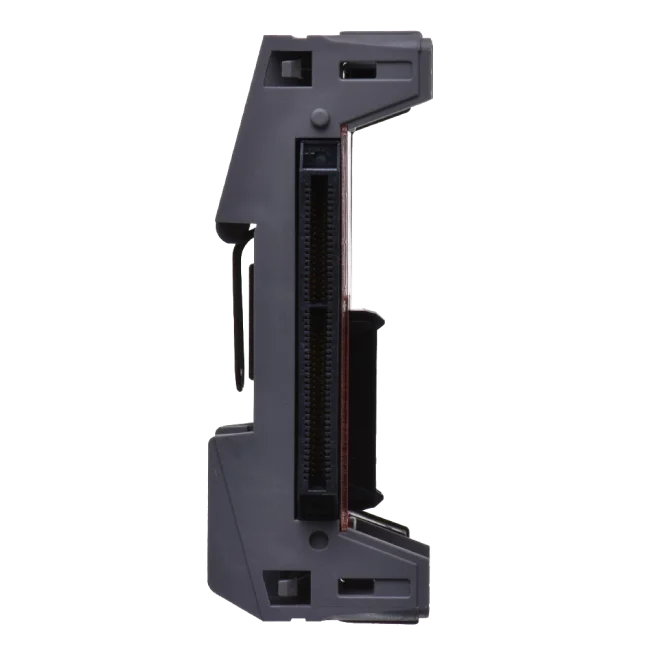


ComBricks - Standard backplane unit

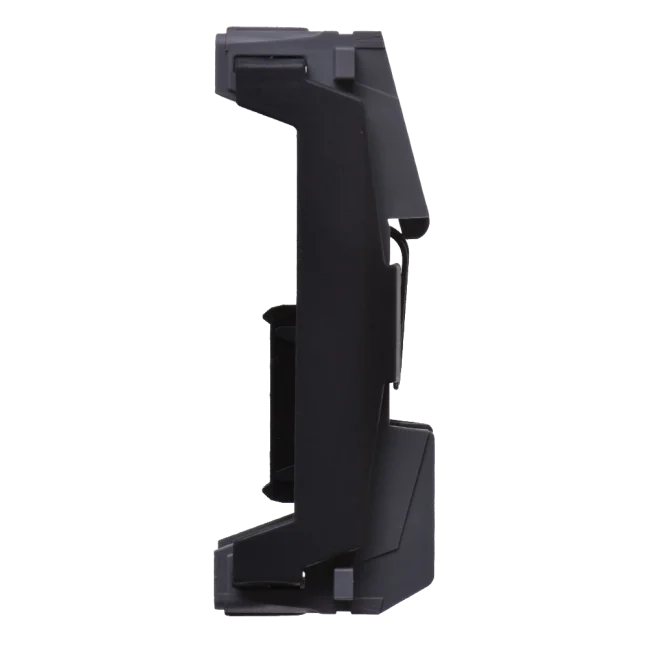
A spare ComBricks backplane unit. Designed for all regular ComBricks modules except for Head Station 1A/1B/1C. The unit is mounted on the DIN rail. Price for 1 pc. More
Code: 101-200011
A spare ComBricks backplane unit. Designed for all regular ComBricks modules except for Head Station 1A/1B/1C. The unit is mounted on the DIN rail. Price for 1 pc. More
Code: 101-200011
Each ComBricks module from HMS Industrial Networks is factory-equipped with the appropriate backplane unit for connection to other modules. In case of damage or the need for replacement, we also offer these parts separately.
The ComBricks standard backplane unit serves as a spare component for modular PROFIBUS systems and ensures reliable connection of individual modules (excluding control types 1A/1B/1C) when mounted on a DIN rail.
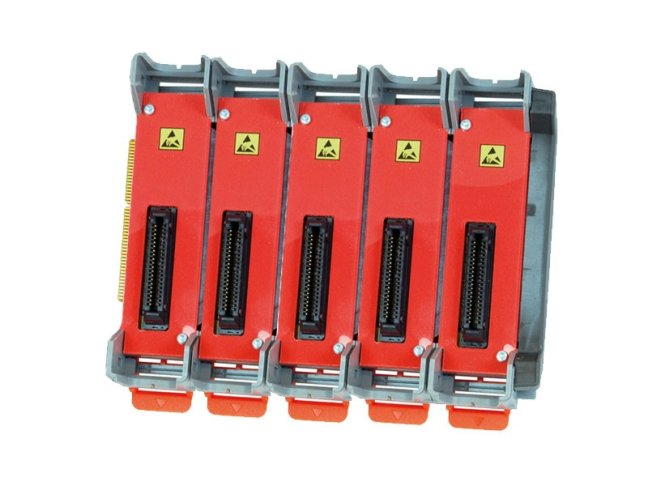
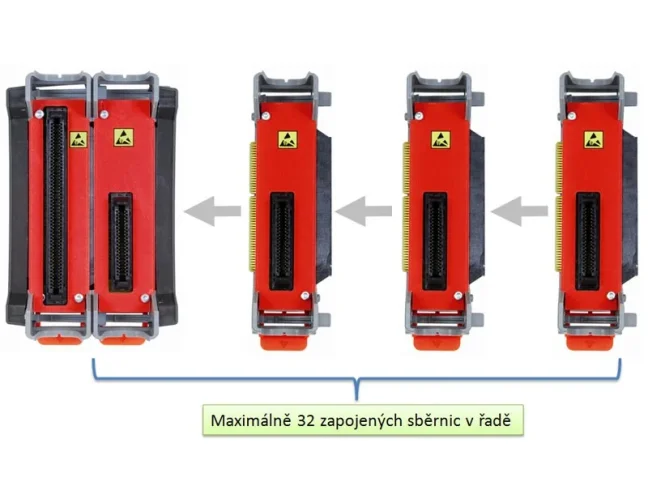
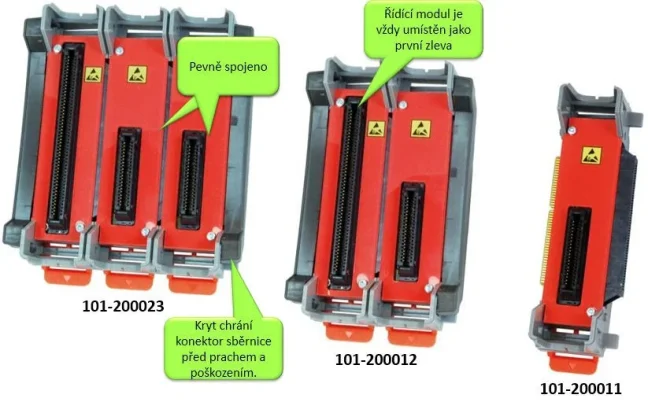
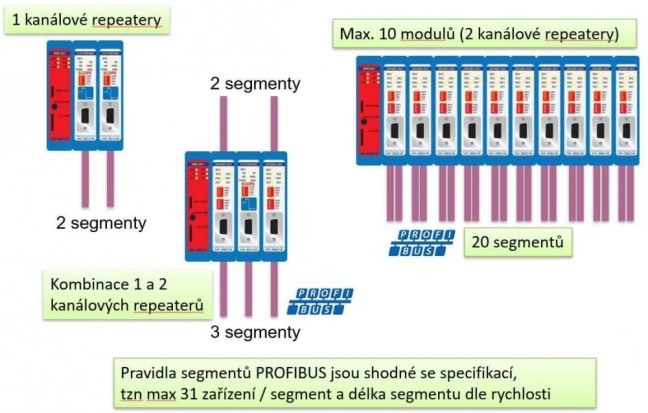
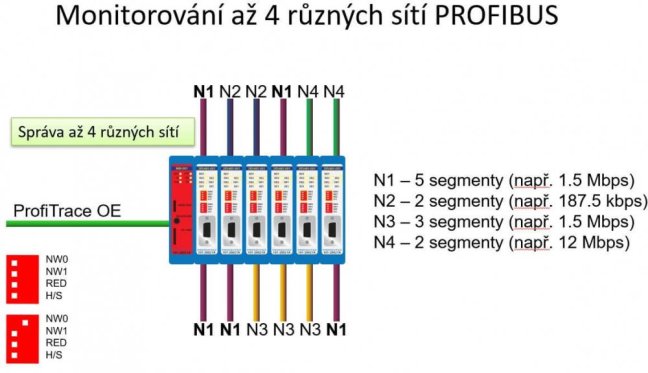
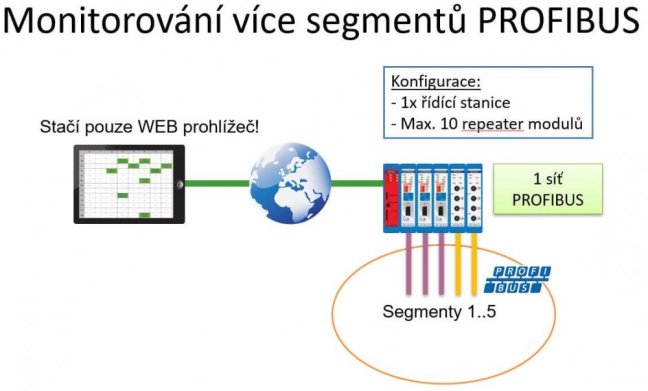
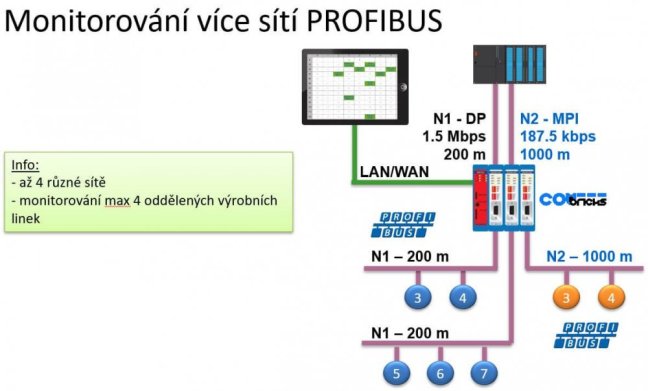
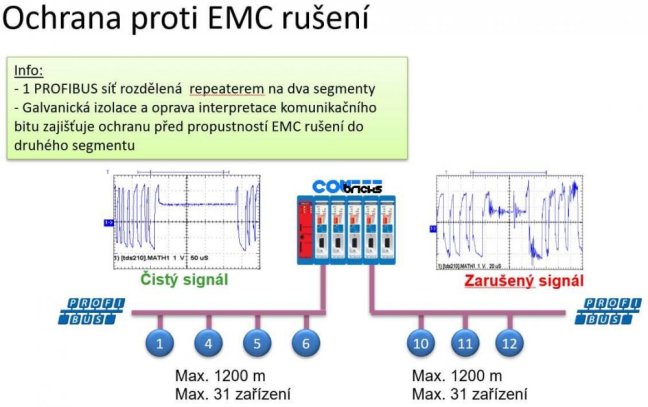
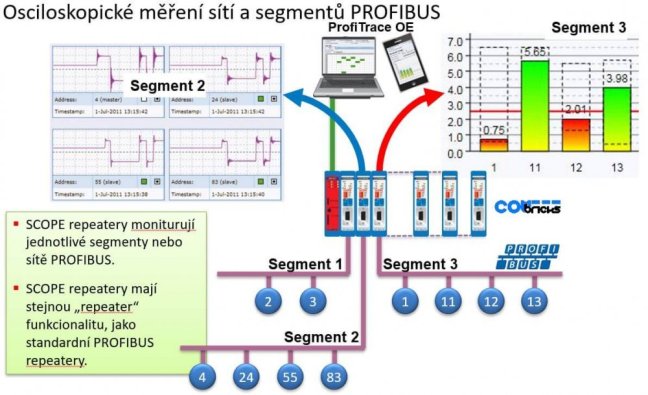
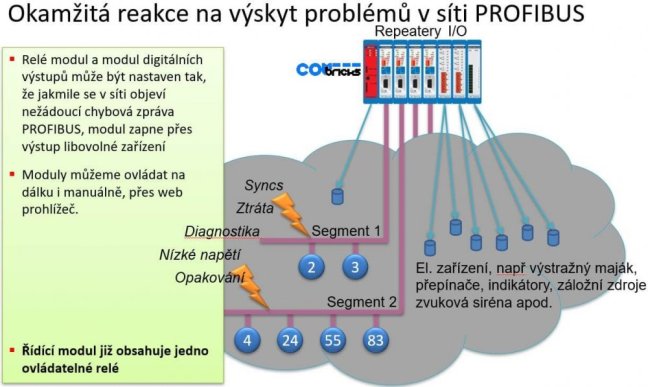
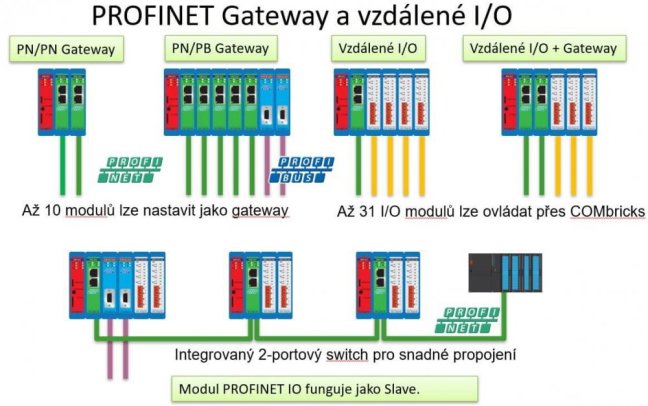
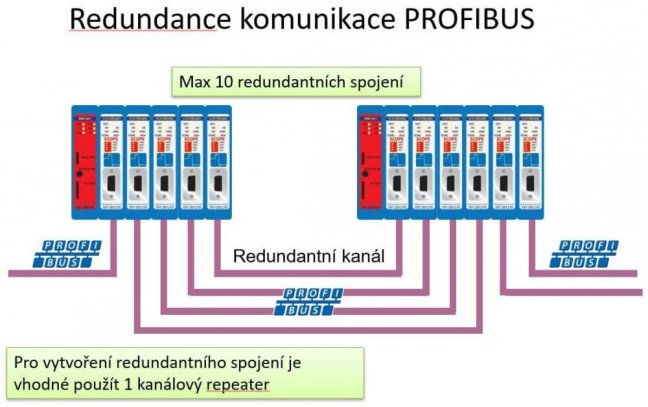
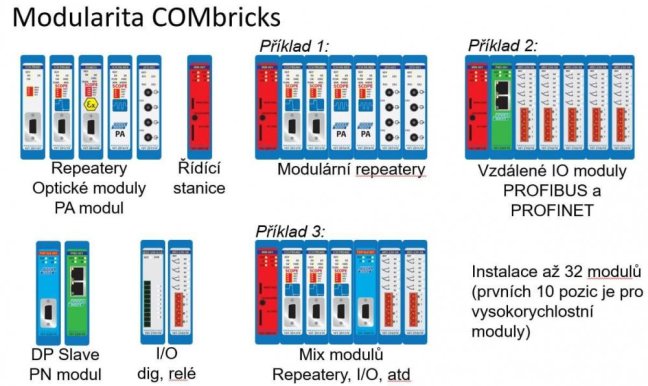
The ComBricks configuration consists of a head station module inserted in the leftmost slot of the fixed ComBricks backplane socket. Other ComBricks modules are inserted into the slots to the right of the head station – the backplane can be extended by adding more standard ComBricks backplane units. The ComBricks backplane can handle one head station and up to 32 additional modules (we recommend to insert a maximum of 10 modules into the backplane).
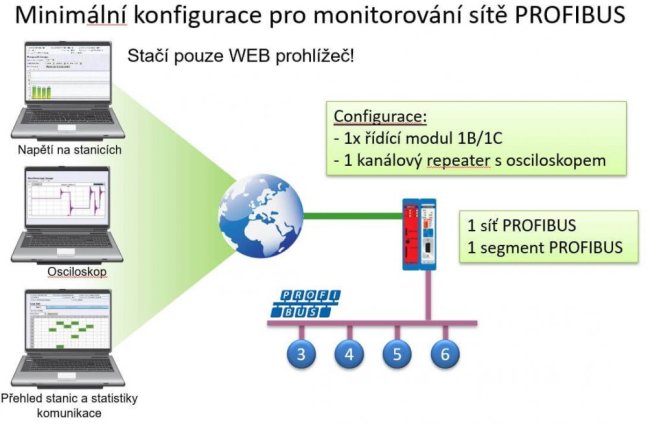
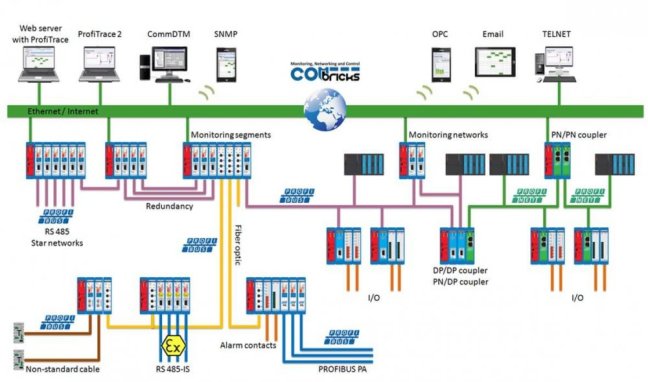
ComBricks is an intelligent solution for PROFIBUS networks that combines monitoring, diagnostics, and bus extension in a single system, enabling remote network status monitoring via a web interface.
Why choose the ComBricks backplane unit?
• Wide compatibility: Suitable for most ComBricks modules (except Head Station types 1A/1B/1C).
• Robust design: The construction prevents unwanted shifting.
• Modular expandability: Easily add additional modules as needed.
Technical specifications
• Type: Spare part
• Mounting: Standard DIN rail
• Manufacturer: HMS Industrial Networks
Package contents
• 1 pc ComBricks backplane unit for DIN rail mounting
Usage recommendations
• Before connecting, check the number and type of modules – it must match the system length.
• Use the included documentation (see the Download section).
• Ensure correct positioning of the modules – a reliable connection eliminates the risk of instability or poor contacts.
Highlighted items are mandatory.

Training PROFIBUS - Basics, Diagnostics & Network Troubleshooting, 2 days
1 076,90 EUR Incl. VAT

Diagnostics, troubleshooting and monitoring of PROFIBUS networks
from 367,84 EUR Incl. VAT
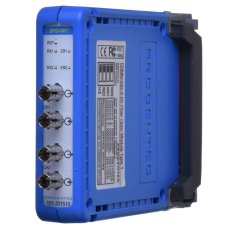
ComBricks PROFIBUS Fiber Optic Module
994,62 EUR Incl. VAT
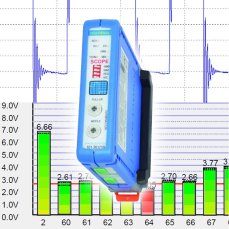
PROFIBUS repeater ComBricks with oscilloscope and termination control for 1 PROFIBUS segment
769,56 EUR Incl. VAT
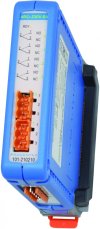
Relay module 4x5A 230V for switching outputs according to ComBricks alarms
640,09 EUR Incl. VAT
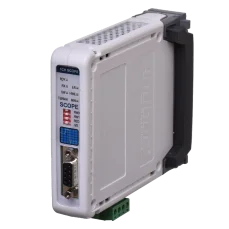
PROFIBUS repeater ComBricks with oscilloscope for 1 PROFIBUS segment
1 308,01 EUR Incl. VAT
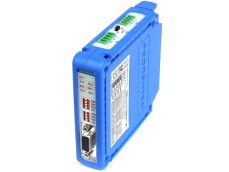
PROFIBUS repeater ComBricks for 2 PROFIBUS segments
688,49 EUR Incl. VAT
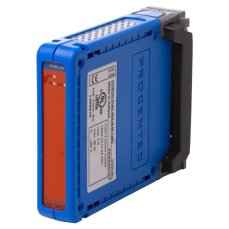
Expansion power supply module 6A for ComBricks assembly
498,52 EUR Incl. VAT
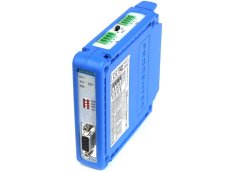
PROFIBUS repeater ComBricks for 1 PROFIBUS segment
528,77 EUR Incl. VAT
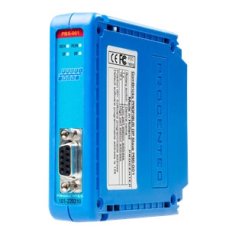
PROFIBUS DP Slave module Combricks
387,20 EUR Incl. VAT
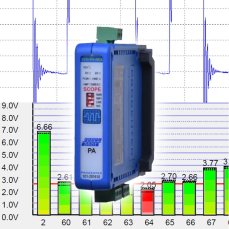
PROFIBUS PA link/ coupler module for ComBricks
1 174,91 EUR Incl. VAT
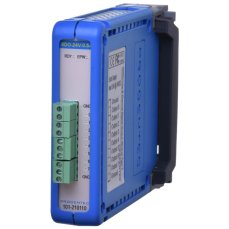
8 Channel Digital Output 0.5A - 24VDC Module ComBricks
372,68 EUR Incl. VAT
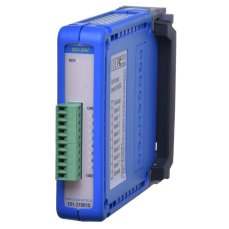
8 Channel Digital Input Module ComBricks
186,34 EUR Incl. VAT
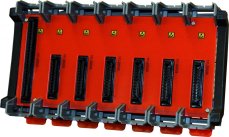
ComBricks - Fixed backplane HS + 6 Sub
309,76 EUR Incl. VAT
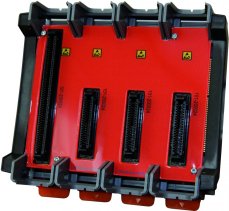
COMbricks - Fixed backplane HS + 3 Sub
199,65 EUR Incl. VAT
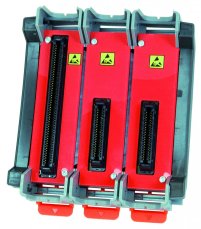
ComBricks - Fixed backplane HS + 2 Sub
168,19 EUR Incl. VAT
Related products16
Training PROFIBUS - Basics, Diagnostics & Network Troubleshooting, 2 days
1 076,90 EUR Incl. VAT
Diagnostics, troubleshooting and monitoring of PROFIBUS networks
from 367,84 EUR Incl. VAT
ComBricks PROFIBUS Fiber Optic Module
994,62 EUR Incl. VAT
PROFIBUS repeater ComBricks with oscilloscope and termination control for 1 PROFIBUS segment
769,56 EUR Incl. VAT
Relay module 4x5A 230V for switching outputs according to ComBricks alarms
640,09 EUR Incl. VAT
PROFIBUS repeater ComBricks with oscilloscope for 1 PROFIBUS segment
1 308,01 EUR Incl. VAT
PROFIBUS repeater ComBricks for 2 PROFIBUS segments
688,49 EUR Incl. VAT
Expansion power supply module 6A for ComBricks assembly
498,52 EUR Incl. VAT
PROFIBUS repeater ComBricks for 1 PROFIBUS segment
528,77 EUR Incl. VAT
PROFIBUS DP Slave module Combricks
387,20 EUR Incl. VAT
PROFIBUS PA link/ coupler module for ComBricks
1 174,91 EUR Incl. VAT
8 Channel Digital Output 0.5A - 24VDC Module ComBricks
372,68 EUR Incl. VAT
8 Channel Digital Input Module ComBricks
186,34 EUR Incl. VAT
ComBricks - Fixed backplane HS + 6 Sub
309,76 EUR Incl. VAT
COMbricks - Fixed backplane HS + 3 Sub
199,65 EUR Incl. VAT
ComBricks - Fixed backplane HS + 2 Sub
168,19 EUR Incl. VAT