

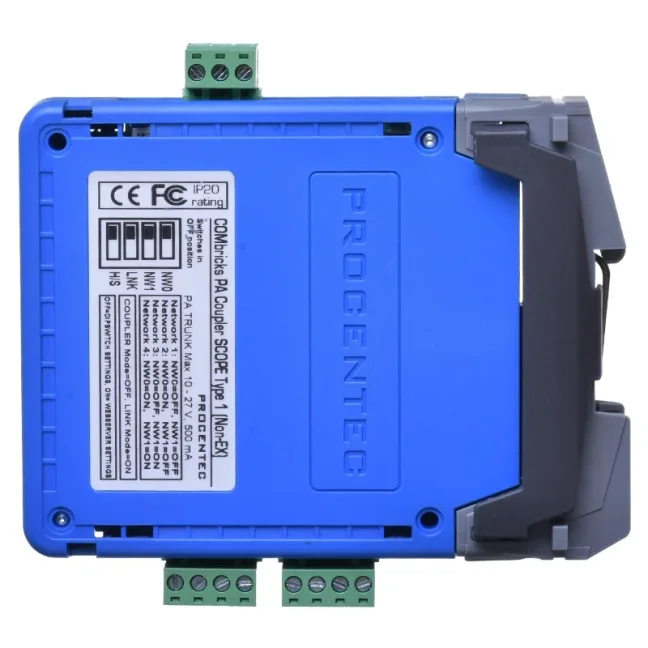
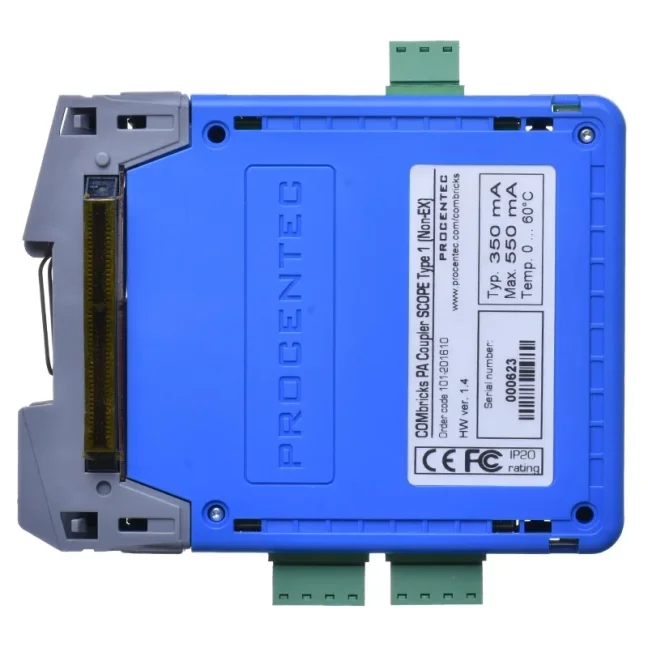
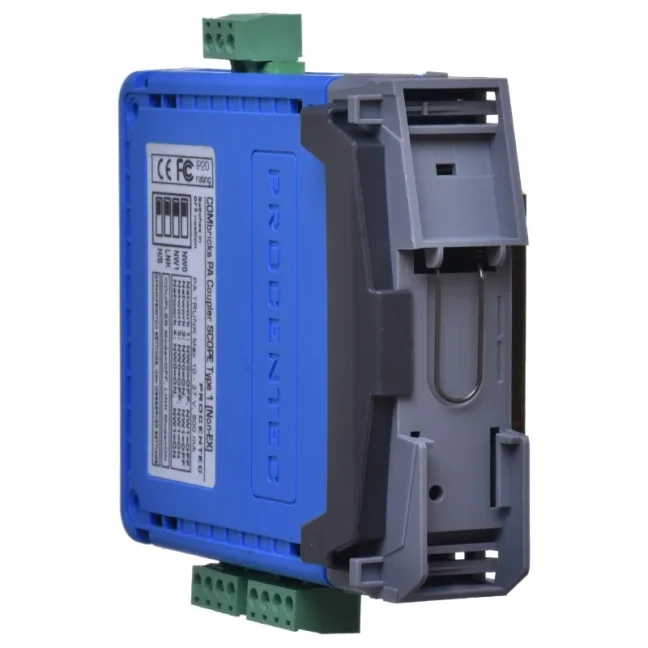


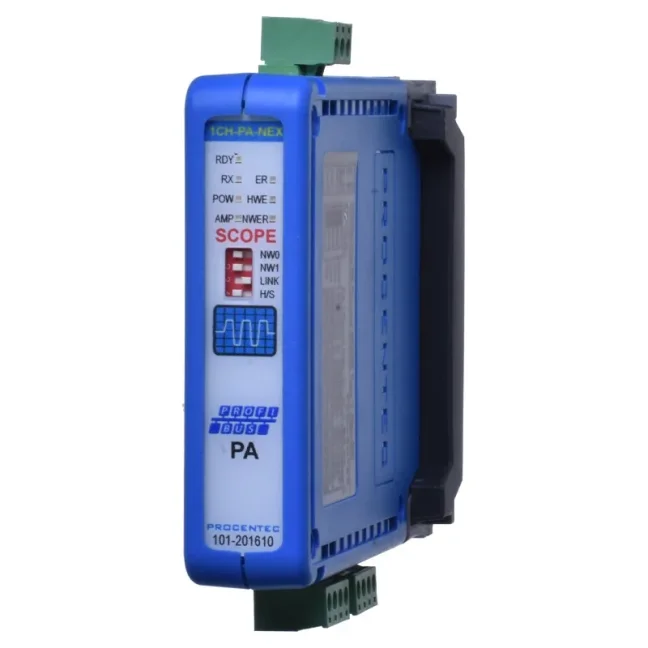
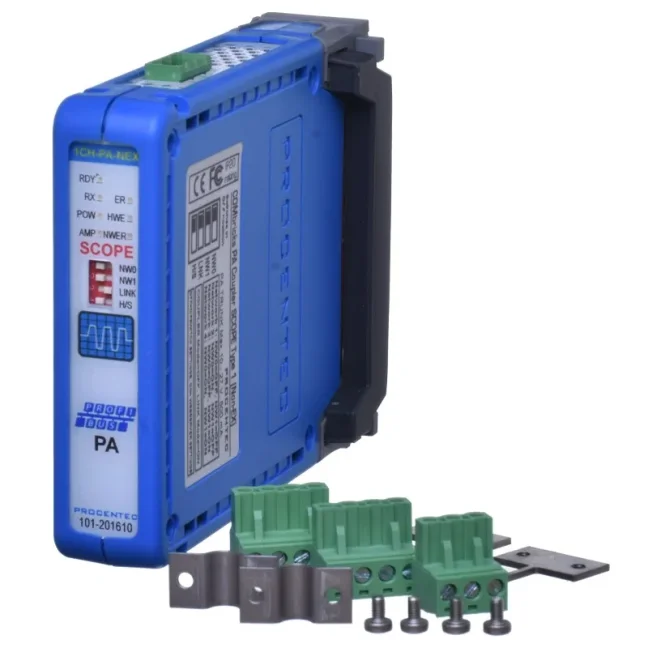
PROFIBUS PA link/ coupler module for ComBricks

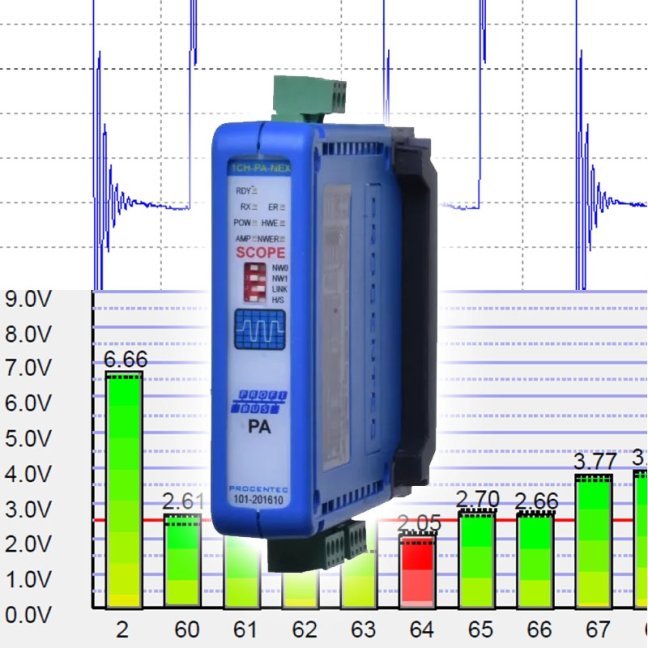
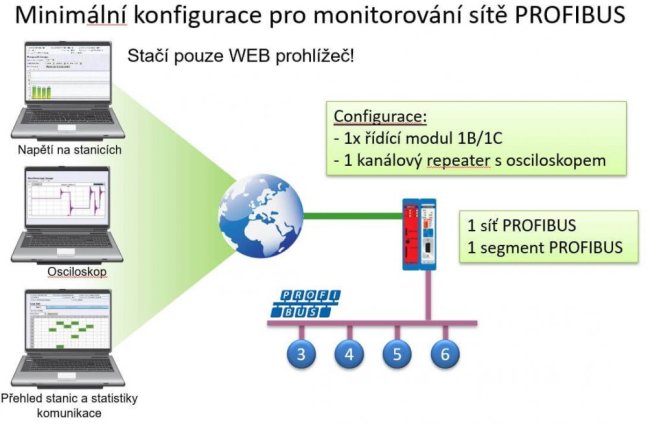
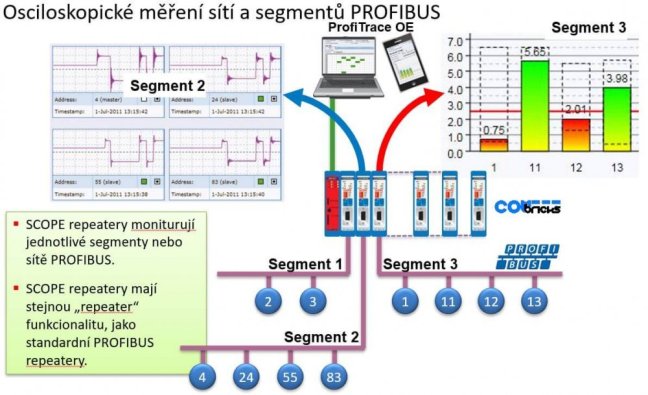
The ComBricks PROFIBUS PA Link/Coupler Module enables remote monitoring of PROFIBUS PA networks, using an oscilloscope, the Bar Graph showing the average signal strength from all available connected devices, and message recording. It can also act as a DP/PA coupler. It is totally transparent up to 1.5 Mbit/s, it also sends FDL status requests onto PA. More
Code: 101-201610
The ComBricks PROFIBUS PA Link/Coupler Module enables remote monitoring of PROFIBUS PA networks, using an oscilloscope, the Bar Graph showing the average signal strength from all available connected devices, and message recording. It can also act as a DP/PA coupler. It is totally transparent up to 1.5 Mbit/s, it also sends FDL status requests onto PA. More
Code: 101-201610
PROFIBUS PA link/ coupler module for ComBricks
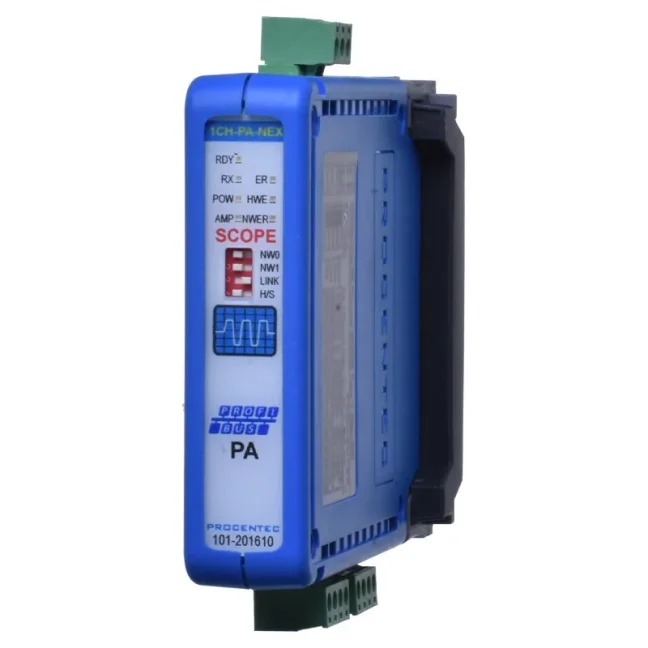
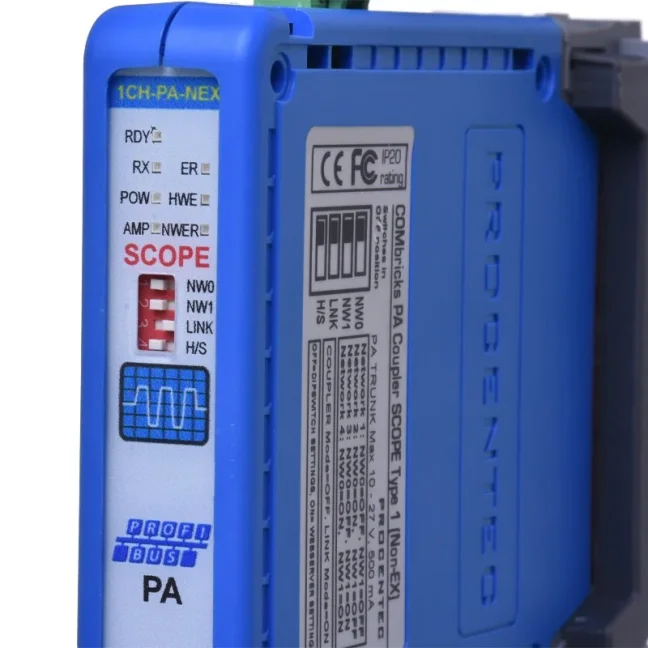
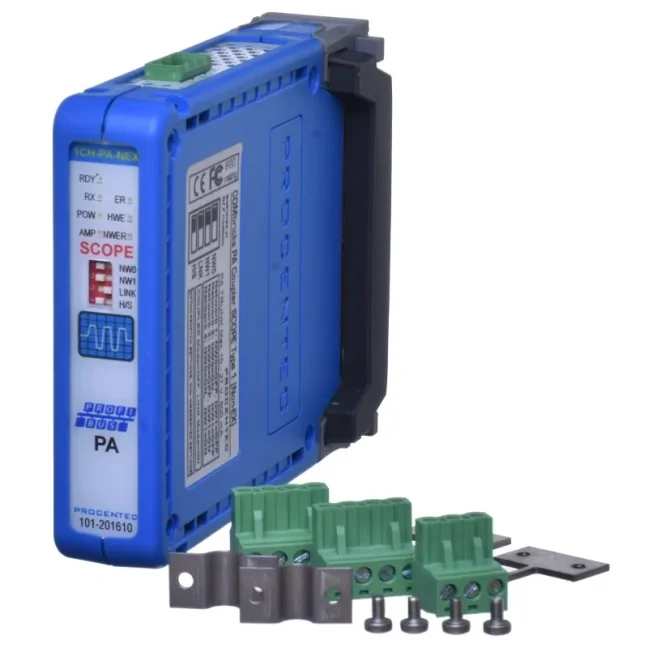
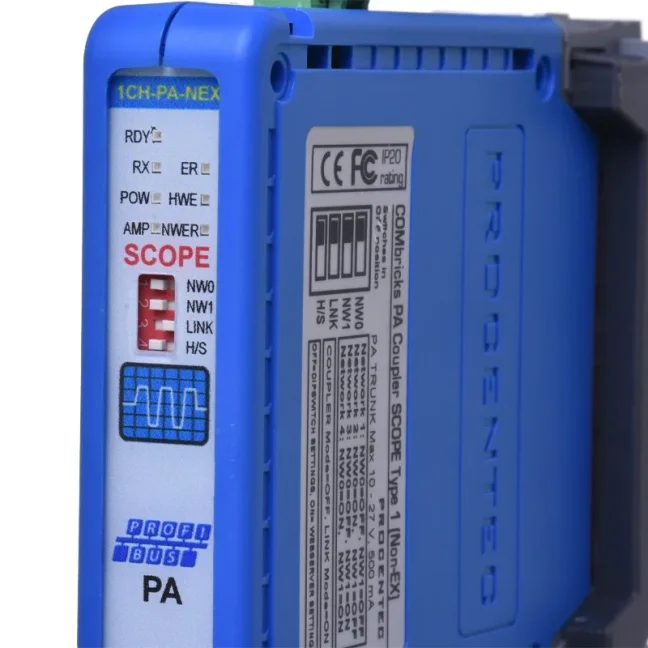
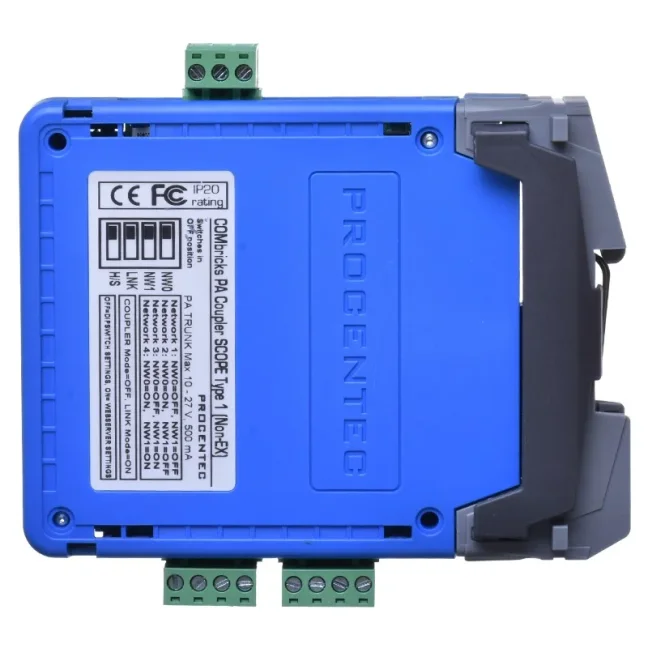
ComBricks PROFIBUS PA Link / Coupler is a transparent coupling module for connecting PA devices to a DP network. It provides power to the PA segment and emulates the connected devices as DP. It enables remote monitoring of the PROFIBUS PA network using an oscilloscope, voltage graph, and message recording.
Key Advantages
- Online diagnostics and management via web interface without the need for additional software
- Direct replacement for Non-Ex PA coupler modules from other manufacturers
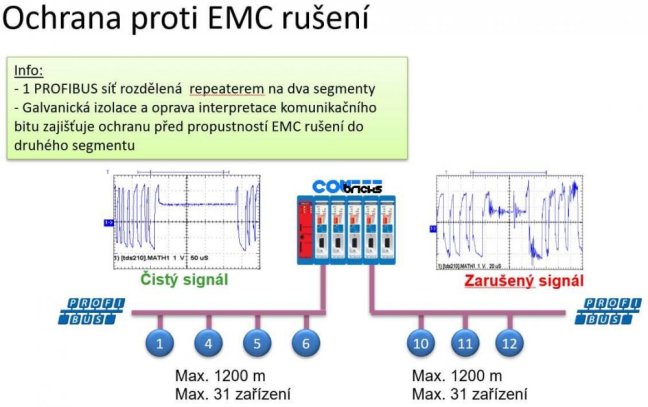
- No configuration required – behaves like a standard ComBricks repeater
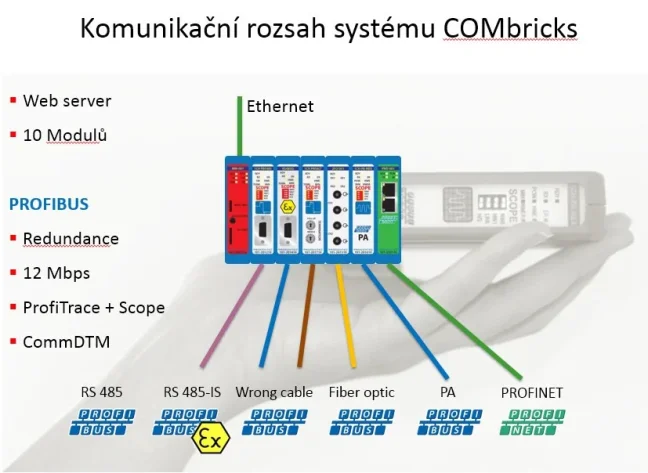
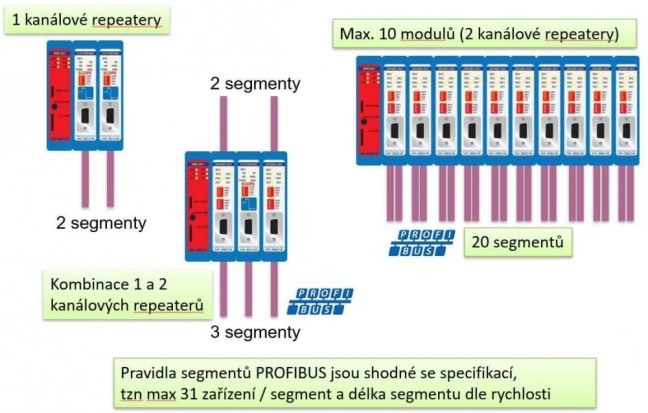
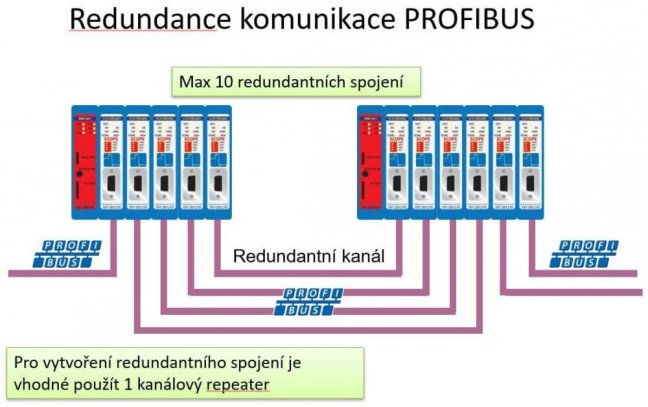
- Possibility to combine up to 9 PA links and additional modules (RS485, fiber optics)
- Supports speeds up to 12 Mbps
- Optionally adjustable PA voltage
- Integrated ProfiTrace and oscilloscope
- Minimal dimensions
Jak funguje PROFIBUS PA link / coupler modul pro sestavu ComBricks
The installation of the PA module requires no complex configuration and is set up the same way as ComBricks repeater modules.
You can connect up to 9 PA coupler modules to the backplane (1 reserved for PLC/DCS) or a mix of PA modules and other ComBricks communication modules. The built-in PA termination is automatically enabled when the module functions as a PA coupler. If the module is used for network monitoring, the termination is automatically disabled.
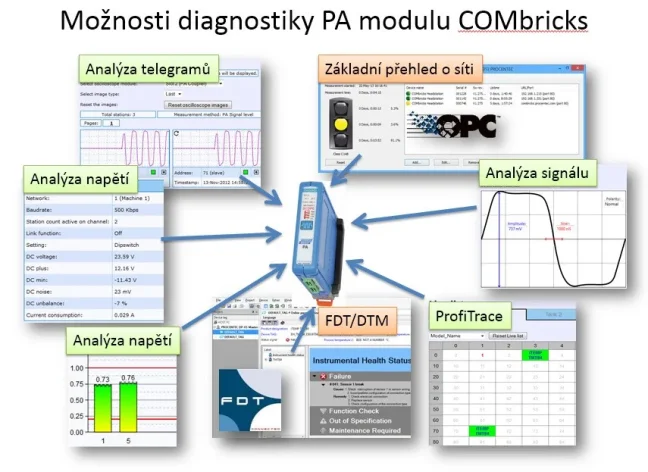
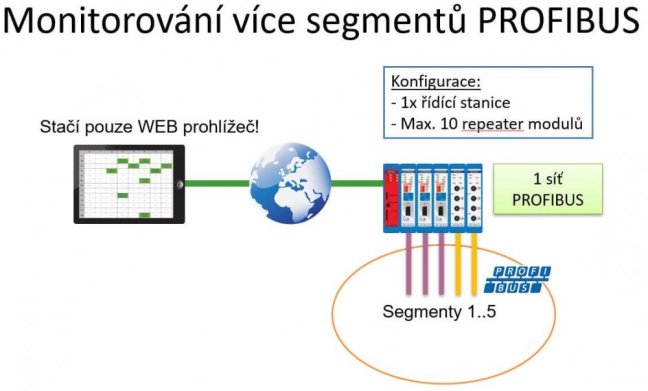
The combination of built-in ProfiTrace and oscilloscope makes this product extremely useful for remote maintenance via Ethernet. Jitter, noise, DC current, DC voltage, bar graph, and oscilloscope – all are present and easily accessible. Free CommDTM communication allows access to management tools over Ethernet.
The web server allows configuration of PA-side behavior, such as retries (default 5x) and watchdog (default 3 seconds).


The module can operate in three modes:
- Monitoring mode
- Link mode
- Coupler mode
Monitoring Mode
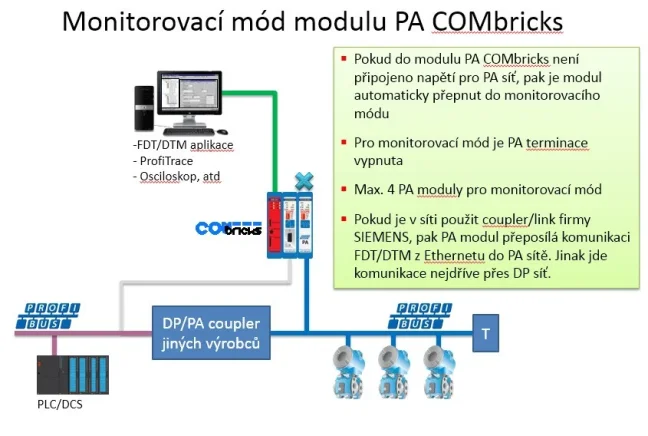
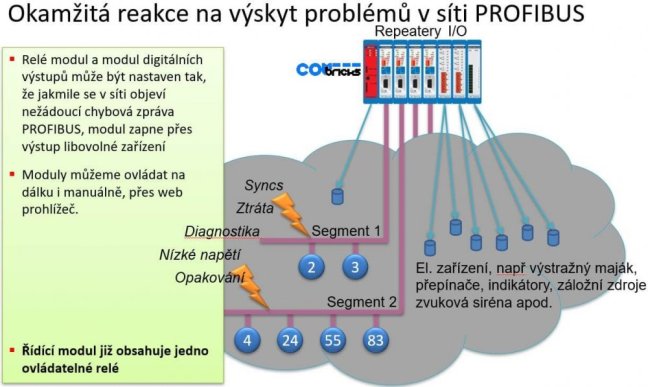
If you have an existing PROFIBUS PA network, you can use this module as a monitoring and alarm tool. Through the ComBricks web interface, you can monitor network events and electrical signals similarly to an oscilloscope repeater for PROFIBUS DP. You can also configure event reactions (output trigger, log entry, or email notification).
For this mode, the following conditions must be met:
- No power should be connected to the terminal on the top of the module; internal termination is automatically disabled.
- The third DIP switch (LINK) on the front must be set to OFF (left position).
Note:
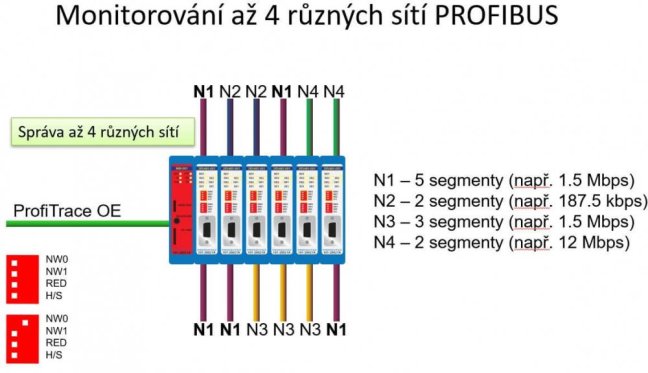
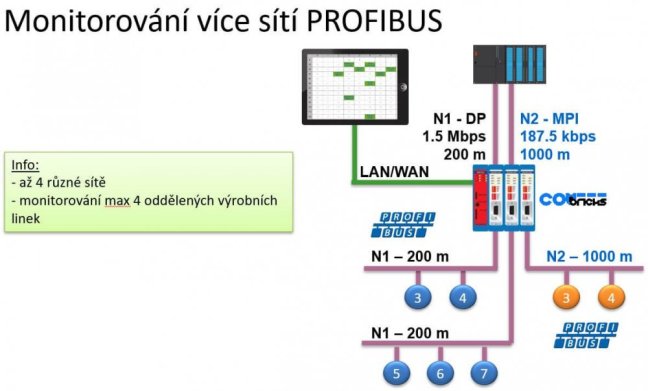
In this mode, ensure the module is set to a different network than other ComBricks modules to avoid issues caused by transferring all PA messages to the PROFIBUS DP network.
In the module status, the following information is displayed (see PA oscilloscope module status image above):
- DC voltage (PROFIBUS PA bus voltage measurement)
- DC max and min values
- DC noise
- DC unbalanced voltage (measured between +/- and shielding)
- Current consumption (supplied to the PA bus in mA)
- LED status: hardware error
- LED status: signal amplitude error
- LED status: power supply error
- LED status: network error
Oscilloscope signal waveforms are also available:
Another screen shows a graph of PA signal voltage levels, and the limits can be set in the oscilloscope settings:
On the PA/FF measurement screen, additional key data is shown: amplitude, jitter, polarity, and noise.
Oscilloscope Settings
Link Mode
To use the module in Link mode, firmware version 2.10.1 or higher is required (not version 1.x).
First, switch the third DIP switch to ON (right position) and connect power to the terminal on the top of the module. The supply voltage should match the PA side: minimum 11 VDC, maximum 28 VDC.
This module is a fully functional PROFIBUS PA Link/Coupler combination. It is semi-transparent at all transmission speeds and also forwards FDL status requests to the PA side. It supports up to 126 devices drawing a total of up to 500 mA from the bus. Additionally, all functions described in Monitoring mode are available in Link mode.
To receive messages (telegrams) from a PLC or DCS in Link mode, you need to install an additional module into the ComBricks backplane. This can be any PROFIBUS DP repeater module, including optical modules. Set this DP module to the same network as the PA module.
For correct functionality of PA devices in the DP configuration environment, you must modify the GSD file. We strongly recommend using our GSDConvert tool for this conversion – do not edit manually! The tool is available in the downloads section of this module (combricks-gsd-convertor.zip).
Watchdog parameters for Link mode can be configured in the web interface in the PA oscilloscope module status – see image above in this description.
Coupler Mode
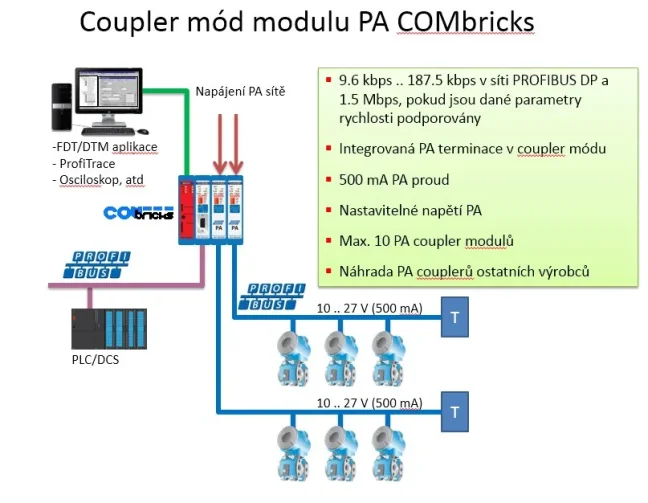
To use this mode, set the third DIP switch to OFF (left position). Then connect the power supply to the top terminal of the module. The power supply should match the PA side: minimum 11 VDC, maximum 28 VDC.
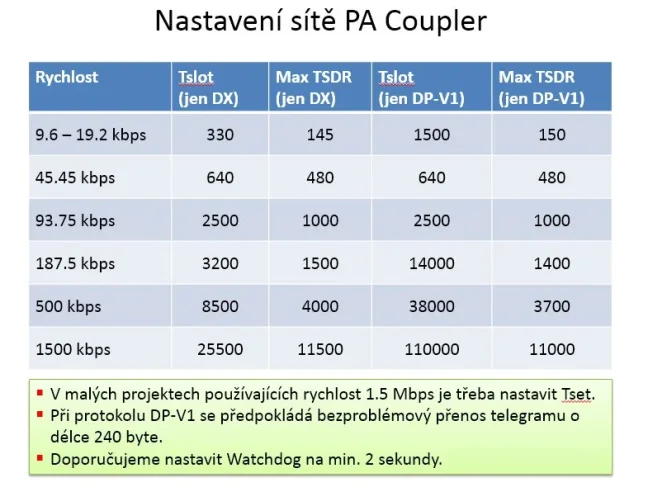
This module is a fully functional PROFIBUS PA Coupler. It is fully transparent up to 1.5 Mbps and forwards FDL status requests to the PA side. It supports up to 32 devices drawing a total of up to 500 mA from the bus. Additionally, all functions from the Monitoring mode are available in Coupler mode as well.
You must adjust some bus parameters in your PLC or DCS configuration. Follow Table 8 for your main project:

PROFIBUS: 3 Sins and 10 Tips
The PROFIBUS industrial bus is highly tolerant and will forgive many faults. But if a critical fault occurs—or several small ones accumulate—you will definitely notice. That’s why this aging industrial network deserves attention. Even if faults on your network are still rare, they will gradually accumulate. What do our technicians recommend? What are their 10 tips for maintaining PROFIBUS?
We train the basics and troubleshooting of PROFIBUS networks | FOXON Academy
Do you want to know why your industrial communication is dropping out? Know where the errors are on the bus and fix them quickly? How the PROFIBUS network works and how to upgrade it and make it more robust? Learn all this in a training session full of practical examples
Highlighted items are mandatory.

Training PROFIBUS - Basics, Diagnostics & Network Troubleshooting, 2 days
1 076,90 EUR Incl. VAT

Diagnostics, troubleshooting and monitoring of PROFIBUS networks
from 367,84 EUR Incl. VAT
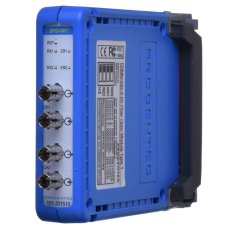
ComBricks PROFIBUS Fiber Optic Module
994,62 EUR Incl. VAT
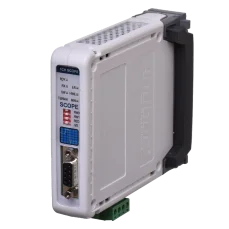
PROFIBUS repeater ComBricks with oscilloscope for 1 PROFIBUS segment
1 308,01 EUR Incl. VAT
ComBricks Head Station 1C
2 371,60 EUR Incl. VAT
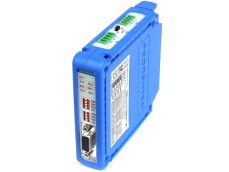
PROFIBUS repeater ComBricks for 2 PROFIBUS segments
688,49 EUR Incl. VAT
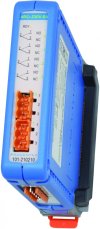
Relay module 4x5A 230V for switching outputs according to ComBricks alarms
640,09 EUR Incl. VAT
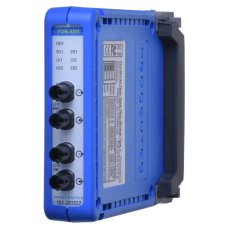
ComBricks PROFIBUS Fiber Optic Ring Module – Mixed-Mode
326,70 EUR Incl. VAT
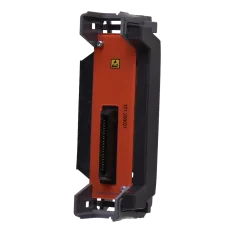
ComBricks - Standard backplane unit
78,65 EUR Incl. VAT

ComBricks - Fixed backplane HS + 1 Sub
137,94 EUR Incl. VAT
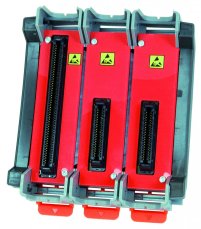
ComBricks - Fixed backplane HS + 2 Sub
168,19 EUR Incl. VAT
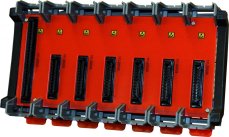
ComBricks - Fixed backplane HS + 6 Sub
309,76 EUR Incl. VAT
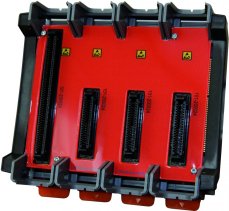
COMbricks - Fixed backplane HS + 3 Sub
199,65 EUR Incl. VAT
Related products13
Training PROFIBUS - Basics, Diagnostics & Network Troubleshooting, 2 days
1 076,90 EUR Incl. VAT
Diagnostics, troubleshooting and monitoring of PROFIBUS networks
from 367,84 EUR Incl. VAT
ComBricks PROFIBUS Fiber Optic Module
994,62 EUR Incl. VAT
PROFIBUS repeater ComBricks with oscilloscope for 1 PROFIBUS segment
1 308,01 EUR Incl. VAT
ComBricks Head Station 1C
2 371,60 EUR Incl. VAT
PROFIBUS repeater ComBricks for 2 PROFIBUS segments
688,49 EUR Incl. VAT
Relay module 4x5A 230V for switching outputs according to ComBricks alarms
640,09 EUR Incl. VAT
ComBricks PROFIBUS Fiber Optic Ring Module – Mixed-Mode
326,70 EUR Incl. VAT
ComBricks - Standard backplane unit
78,65 EUR Incl. VAT
ComBricks - Fixed backplane HS + 1 Sub
137,94 EUR Incl. VAT
ComBricks - Fixed backplane HS + 2 Sub
168,19 EUR Incl. VAT
ComBricks - Fixed backplane HS + 6 Sub
309,76 EUR Incl. VAT
COMbricks - Fixed backplane HS + 3 Sub
199,65 EUR Incl. VAT