

SIMATIC STEP 7 Professional Combo V21/2021 SR4 – for TIA Portal and SIMATIC Manager - SIEMENS license type: STEP 7 Professional V21/2021 SR4 Combo – floating license, USB key
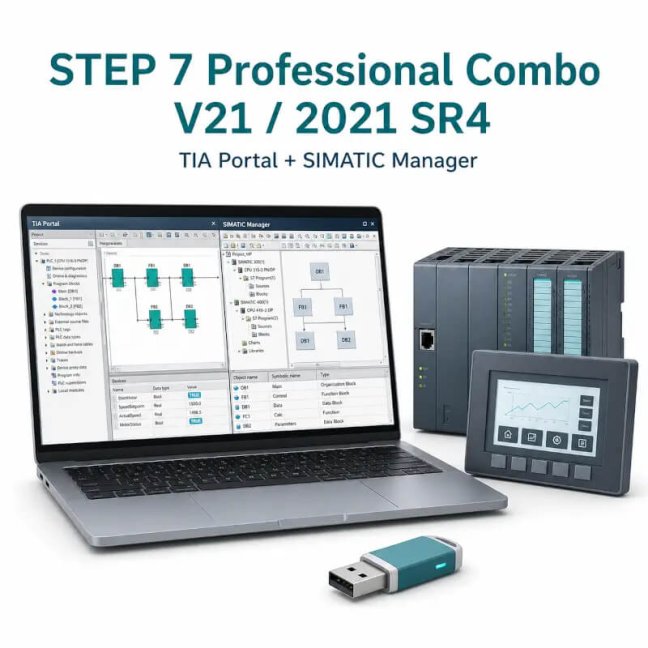
SIMATIC STEP 7 Professional Combo V21/2021 SR4 – for TIA Portal and SIMATIC Manager - SIEMENS license type: STEP 7 Professional V21/2021 SR4 Combo – floating license, USB key

SIEMENS software for programming and diagnostics of SIMATIC S7-300/-400/-1200/-1500 PLCs. The Combo license combines STEP 7 Professional V21 for TIA Portal and STEP 7 Professional 2021 SR4 for SIMATIC Manager. In the TIA Portal part, the scope of delivery also includes WinCC Basic / WinCC Unified Basic for Basic Panels and Unified Basic Panels, STEP 7 Safety Basic for fail-safe S7-1200 controllers, S7-PLCSIM and SINAMICS Startdrive. More
Code: 6ES7810-5CC18-0YA5
SIEMENS software for programming and diagnostics of SIMATIC S7-300/-400/-1200/-1500 PLCs. The Combo license combines STEP 7 Professional V21 for TIA Portal and STEP 7 Professional 2021 SR4 for SIMATIC Manager. In the TIA Portal part, the scope of delivery also includes WinCC Basic / WinCC Unified Basic for Basic Panels and Unified Basic Panels, STEP 7 Safety Basic for fail-safe S7-1200 controllers, S7-PLCSIM and SINAMICS Startdrive. More
Code: 6ES7810-5CC18-0YA5
Options 2
| SIEMENS license type | Code | Availability | Price excl. VAT | |
|---|---|---|---|---|
| STEP 7 Professional V21/2021 SR4 Combo – floating license, USB key | 6ES7810-5CC18-0YA5 | Delivery in 1-2 weeks |
On request
|
|
| STEP 7 Professional V21/2021 SR4 Combo – floating license, e-mail delivery | 6ES7810-5CE18-0YB5 | Delivery 1-2 days |
On request
|
SIMATIC STEP 7 Professional Combo V21/2021 SR4
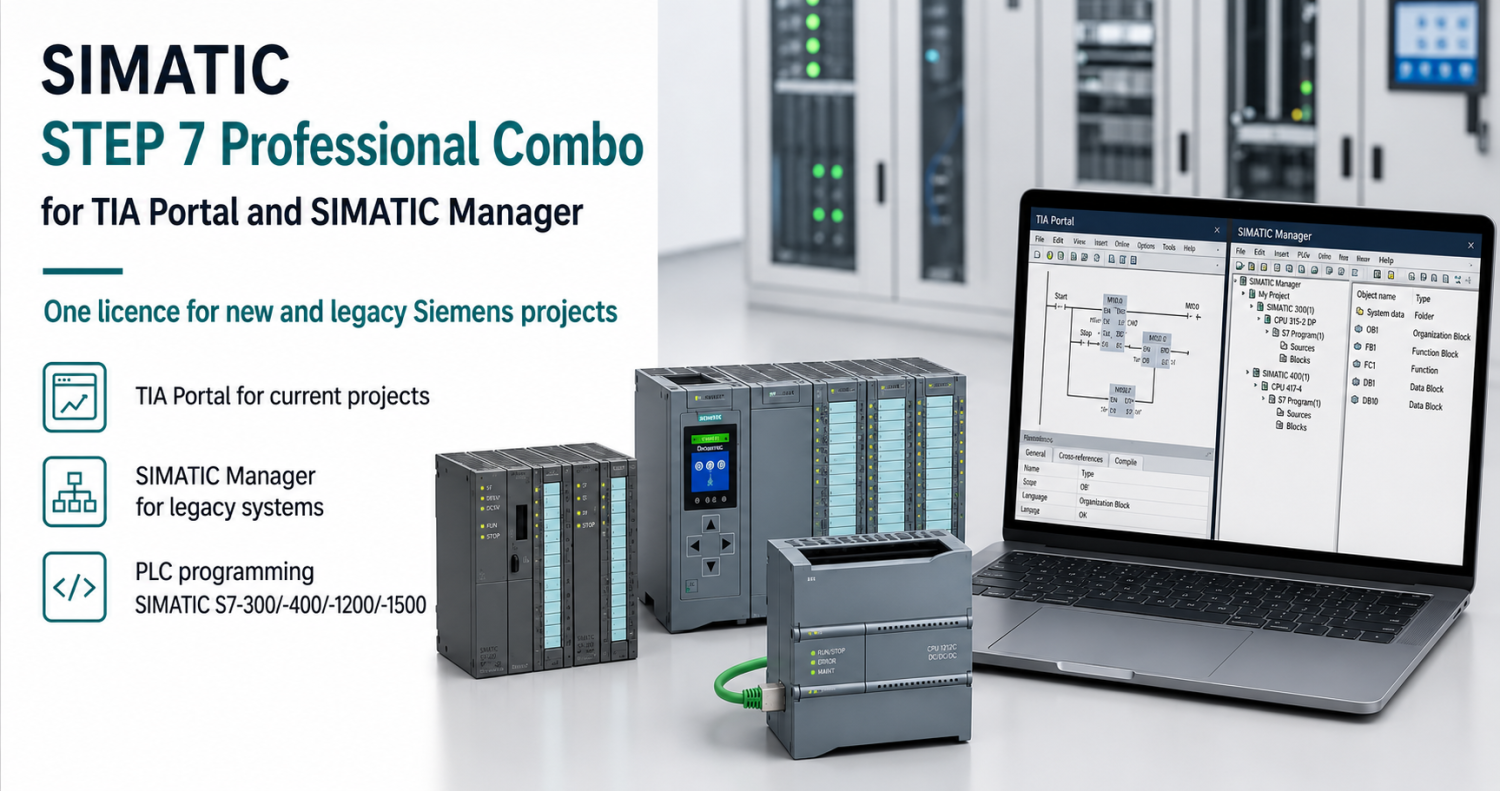
Professional Combo combines STEP 7 Professional V21 for TIA Portal and STEP 7 Professional 2021 SR4 for SIMATIC Manager. It is designed for workplaces that maintain older technologies whilst also preparing new SIMATIC projects.
Do you need a new licence or an extension?
We will match the order number to your project, your existing licence and your preferred delivery method.
Software usage
A typical example is a service engineer working on an existing S7-300 or S7-400 project in SIMATIC Manager who needs TIA Portal for S7-1200 or S7-1500 on another machine. The Combo licence provides both development environments in a single licence package. It does not promise automatic conversion of projects between them.
Technical and licensing information
| TIA Portal | STEP 7 Professional V21 |
|---|---|
| Classic environment | STEP 7 Professional 2021 SR4 / SIMATIC Manager |
| Licence | Floating License for 1 user |
| Reference series | S7-300/400 and S7-1200/1500, depending on the relevant environment |
| Delivery | USB, software, documentation and download key |
| PC system | Please check the specific supported editions and Windows updates for both parts of the package |
Two environments and original projects
First, open the old project in the correct environment and keep a backup of it. Conversion to TIA Portal is a separate technical step, the options for which depend on the device and the functions used. Choose the Combo option if you need both environments; if you intend to work exclusively in TIA Portal, consider the standalone STEP 7 Professional.
Licence options and delivery methods
| Order number | Purpose of the variant | Delivery |
|---|---|---|
| 6ES7810-5CC18-0YA5 | New Combo V21/2021 SR4 licence | USB |
| 6ES7810-5CE18-0YB5 | New Combo V21/2021 SR4 licence | Electronically |
Scope of delivery and licence management
Physical and electronic versions are delivered in different ways. A USB is not a hardware licence dongle that must automatically be regarded as permanently connected to the computer. Assess the management and transfer of the licence key in accordance with the Automation License Manager and the terms of the specific licence.
For electronic delivery, we require the recipient’s email address. Before reinstalling or replacing a hard drive, ensure that licence keys are transferred securely; do not consider simply copying files to be a confirmed licence transfer.
Project and computer compatibility
Please send us the project version, the exact CPU or HMI type, the firmware, and the edition and version of Windows. Together, we will check the configuration in Siemens Compatibility Tool. A licence for a newer version does not in itself guarantee that every older project can be opened.
Frequently asked questions
Can I get one licence for two technicians working simultaneously?
This offer specifies a Floating License for 1 user. For multiple concurrent users, the corresponding number of licences is required.
Will Combo automatically convert a project from SIMATIC Manager?
No. The licence provides access to the specified environments; migration depends on the project and the target version. We will assess the original project and the options used in advance.
Are there any differences between the USB-based and electronic versions?
Both codes offered here refer to Combo V21/2021 SR4. The difference lies in the method of delivery.
Why buy software from FOXON
New genuine licences
We supply new Siemens software licences. The specific authorisation is always determined by the order number and the relevant licence terms.
Check selection
We will compare the edition, version and required scope with your PLC, HMI or software configuration.
Delivery depending on the variant
Before placing an order, we will confirm the method of delivery (electronic or physical) and the recipient’s details.
Licensing support
Please send us the details of your existing licence. We will check which new licence, upgrade or extension is suitable.
Siemens software enquiry
Please send us the order number, software version, PLC or HMI type, and whether you already hold a licence. For licence extensions, please specify the required number of objects, connections or users.
Request a licence or supportWe will send you a non-binding quotation within 1 hour.Highlighted items are mandatory.

auto.spy - software for diagnostics of SIMATIC S7-300/-400/-1200/-1500 and S5 PLCs, OPC UA/DA data and camera recordings
from 713,90 EUR Incl. VAT
Ewon Cosy+ Ethernet router
705,43 EUR Incl. VAT

360 W 24 VDC / 15 A UPS backup power supply Bicker with LiFePO4 battery and USB-C + RS485 Modbus interfaces
716,32 EUR Incl. VAT
Training PROFINET – Basics, Diagnostics & Network Troubleshooting, 2 days
1 076,90 EUR Incl. VAT
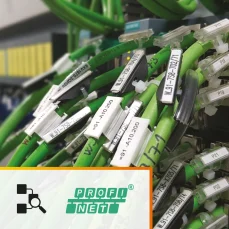
Diagnostics, troubleshooting and monitoring of PROFINET Networks
from 367,84 EUR Incl. VAT

ProfiTrace 2 Ultra Plus – PROFIBUS DP Tester
4 399,56 EUR Incl. VAT
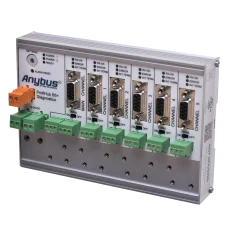
ProfiHub B5+R PROFIBUS multi-repeater
1 724,25 EUR Incl. VAT
Related products7
auto.spy - software for diagnostics of SIMATIC S7-300/-400/-1200/-1500 and S5 PLCs, OPC UA/DA data and camera recordings
from 713,90 EUR Incl. VAT
Ewon Cosy+ Ethernet router
705,43 EUR Incl. VAT
360 W 24 VDC / 15 A UPS backup power supply Bicker with LiFePO4 battery and USB-C + RS485 Modbus interfaces
716,32 EUR Incl. VAT
Training PROFINET – Basics, Diagnostics & Network Troubleshooting, 2 days
1 076,90 EUR Incl. VAT
Diagnostics, troubleshooting and monitoring of PROFINET Networks
from 367,84 EUR Incl. VAT
ProfiTrace 2 Ultra Plus – PROFIBUS DP Tester
4 399,56 EUR Incl. VAT
ProfiHub B5+R PROFIBUS multi-repeater
1 724,25 EUR Incl. VAT