

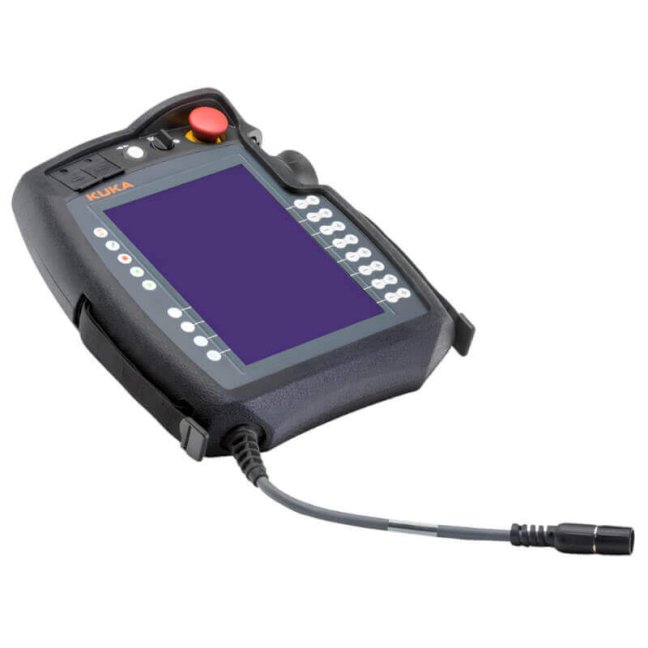
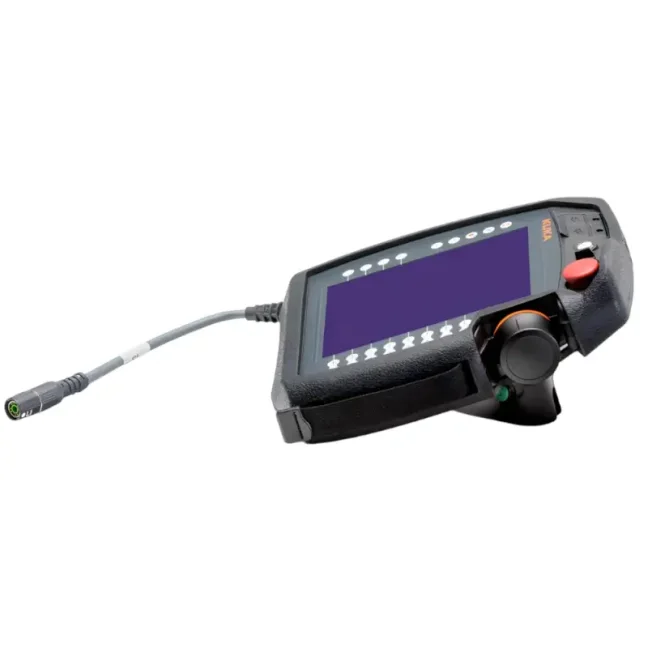
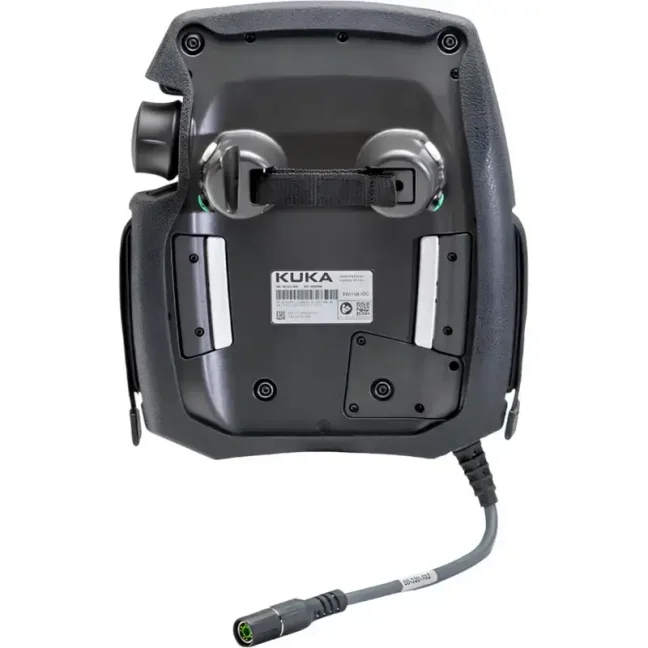


KUKA smartPAD2 Teach Pendant ARMOR Bumper

Pendant Armor protective bumper smartPAD2-PA for KUKA smartPAD2. The flexible Santoprene™ frame absorbs impact, improves grip and helps extend the pendant’s service life. It reduces the risk of mechanical damage and the associated repair, replacement and unplanned downtime costs. We deliver worldwide. The package contains 1 protective bumper. The teach pendant is not included. More
Code: smartPAD2-PA
Pendant Armor protective bumper smartPAD2-PA for KUKA smartPAD2. The flexible Santoprene™ frame absorbs impact, improves grip and helps extend the pendant’s service life. It reduces the risk of mechanical damage and the associated repair, replacement and unplanned downtime costs. We deliver worldwide. The package contains 1 protective bumper. The teach pendant is not included. More
Code: smartPAD2-PA
ARMOR for KUKA smartPAD2
The smartPAD2-PA bumper for KUKA smartPAD2 absorbs impact from drops and improves grip. It helps extend the pendant’s service life and reduce repair, replacement and unplanned downtime costs.
- Flexible Santoprene™ bumper
- Shaped for KUKA smartPAD2
- Access to USB and the 6-axis mouse
- Hand straps can remain fitted

Send the full part number or a photo of the nameplate. We will help you choose and prepare a quotation.
Does it fit your KUKA smartPAD2?
KUKA smartPAD2, 00-291-556.
Flexible thermoplastic vulcanizate (TPV).
Net weight of the bumper.
| Bumper part number | smartPAD2-PA |
|---|---|
| For pendant | KUKA smartPAD2 |
| Pendant part number | 00-291-556 |
| Design | One-piece flexible protective frame |
| Material and colour | Santoprene™ (TPV), black |
| Net weight | 275 g |
Before ordering, check the full model designation and part number of your pendant. Bumpers for different models are not interchangeable.
Longer pendant life, lower operating costs
Dropping a teach pendant does not have to mean a repair or replacement. The flexible bumper absorbs impact and helps prevent mechanical damage. The savings extend beyond the pendant itself to the time spent replacing it and the losses caused by interrupted production.
Lower repair costs
The bumper absorbs impact energy and reduces the risk of mechanical damage. If it protects the pendant, the repair costs following a drop are avoided.
Longer pendant life
Protection during everyday handling helps keep the pendant in service for longer and reduce the need for premature replacement.
Lower risk of downtime
If the pendant remains undamaged and functional after a drop, there is no need to replace it or stop production because of damage to the pendant.
Protection during everyday handling
Impact absorption
The flexible frame surrounds the pendant and helps reduce the consequences of drops or impacts during handling.
A more secure grip
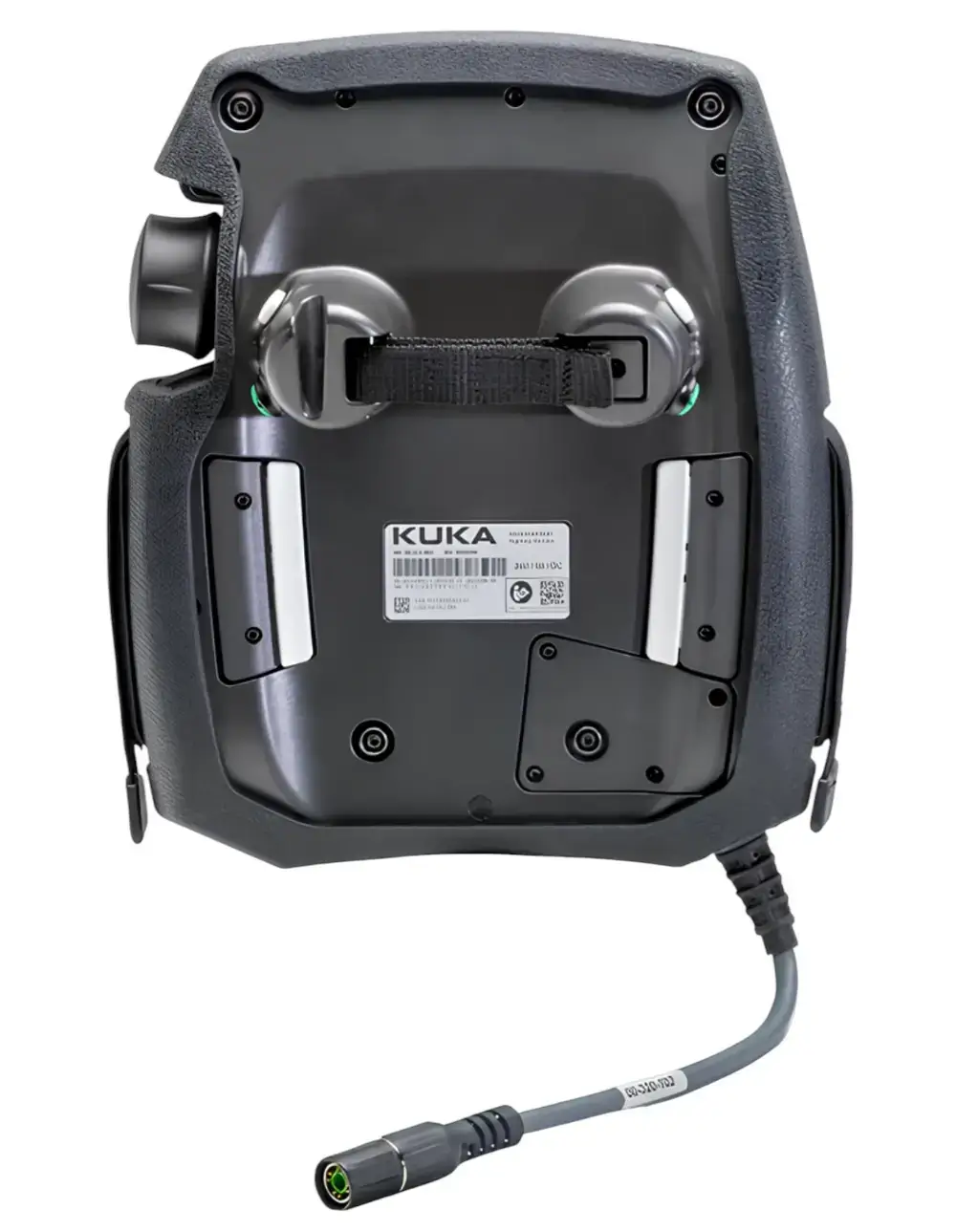
The textured surface improves grip. Slots along both grip areas allow the bumper to be fitted without removing the hand straps.
Access to controls
Cutouts preserve access to the USB flaps and openings. Clearance around the screen and 6-axis mouse keeps the controls accessible.
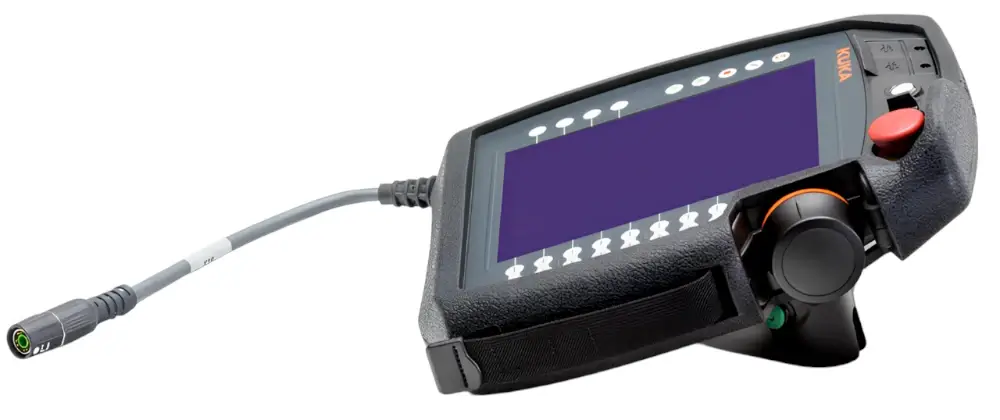
The bumper reduces the risk of mechanical damage. It does not guarantee that the pendant will survive every drop without damage.
What's included
- 1× Pendant Armor protective bumper for KUKA smartPAD2.
The teach pendant, separate hand strap and hanger are not included. The package contains only the protective bumper.
Fitting the bumper and using it in operation
Fitting instructions for the KUKA smartPAD2 bumper
Before fitting, power down the controller and disconnect the cable at the controller end. Do not disconnect it directly from the smartPAD. Pass the hand straps through the side slots in the bumper.
Follow the instructions and your workplace's service procedures. After fitting, check access to the controls and safety devices.
Fitting instructions for the KUKA smartPAD2 bumper
Power down the controller and disconnect the pendant cable at the controller end. Do not disconnect the cable from the smartPAD.
Place the bumper face up on a clean, dry surface. Pass the cable through the opening in the lower left corner.
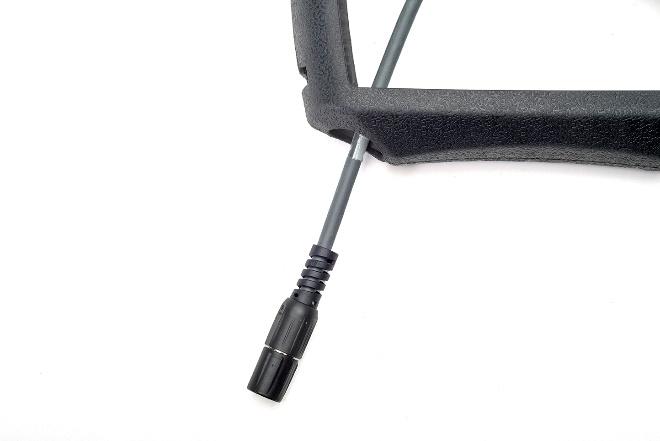
Seat the smartPAD2 along the lower edge of the bumper while pulling the cable through.
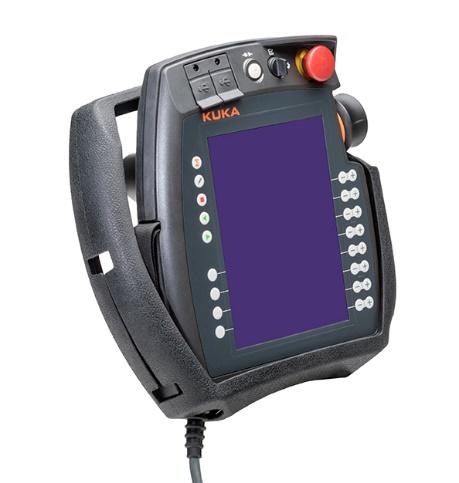
Pull the top of the bumper over the rear hand posts. Fit the right edge around the 6-axis mouse and over the emergency stop rim at the top right.
Seat the remaining edges and pass the hand straps through the slots on the left and right sides of the bumper.
Reconnect the pendant cable to the controller.
Power up the controller and release the emergency stop button. Installation is complete.
Contact with chemicals
Material resistance depends on the specific substance and operating conditions. Check Santoprene™ chemical compatibility for oils, coolants or cleaning agents.
Take a closer look at ARMOR bumpers
Tomáš Krepčík from FOXON presents protective bumpers and screen protection for ABB, KUKA and FANUC pendants. Take a closer look at their design.
Frequently asked questions
Is the teach pendant included?
No. The package contains one protective bumper. The pendant, separate hand strap and hanger are not included.
Is the KUKA brand name enough to choose a bumper?
No. The exact pendant model and full part number matter. The smartPAD2-PA bumper is designed for KUKA smartPAD2. Compare your pendant’s identification with the listed compatibility.
Does the bumper also protect the screen surface?
To protect the screen surface against scratches, we recommend separate screen protection for KUKA smartPAD2. The protective frame and screen protection serve different purposes.
Do I need to disconnect the cable to fit the bumper?
Yes. Before fitting the smartPAD2-PA bumper, power down the controller and disconnect the cable at the controller end. Do not disconnect the cable directly from the smartPAD.
How can I request bumpers for several pendants or delivery abroad?
Send the pendant models, quantities and delivery country. We will check the versions and prepare a quotation for the bumpers and suitable screen protection.
Add screen protection
For the KUKA smartPAD2 bumper, we offer a tempered glass screen protector. The bumper protects the pendant body, while screen protection helps prevent scratches on the screen surface.

We will send a no-obligation quotation within 1 hour.
Is your pendant already damaged? Explore professional teach pendant repair options.
Protective cover for teach pendant: compatible with industrial robots
Material: Santoprene™ (thermoplastic vulcanizate – TPV)
Color: Black
Net Weight: 275 g
Construction: one-piece flexible cover, precisely molded for the specific model
Compatible with Teach Pendant models:
- KUKA smartPAD2 (00-291-556) – for KR C4, KR C5 Robot Controller Series
Protective Covers and Films for Robot Teach Pendants: No More Repairs Thanks to Prevention
A dropped robot controller, everyday handling in harsh industrial conditions, or a damaged display – it takes very little for a faulty teach pendant to stop your line, delay maintenance and increase repair costs. Yet you can proactively protect FANUC, KUKA and ABB robot control panels with robust covers and protective films that prevent display damage.
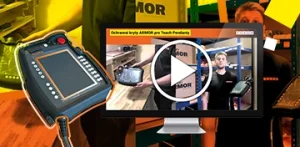
VIDEO: A Close-Up Look at Protective Covers for ABB, KUKA and FANUC Teach Pendants
Over the course of his career at FOXON, our sales representative Tomáš Krepčík has handled hundreds of damaged teach pendants that were later repaired. It made him wonder whether there was anything that could protect these expensive devices from mechanical damage. Today, we are a European distributor of special protective covers and films.
Highlighted items are mandatory.
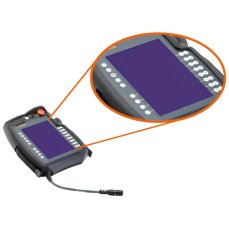
KUKA smartPAD2 Teach Pendant Tempered Glass Screen Protector
127,05 EUR Incl. VAT
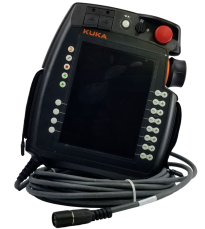
00-291-556 KUKA smartPAD-2 (teach pendant for KRC4 / KRC5)
00-291-556 COVER
00-291-556 KRC5 KEY
KRC5 TOUCH
KRC5 KEYPAD
Related products6
KUKA smartPAD2 Teach Pendant Tempered Glass Screen Protector
127,05 EUR Incl. VAT
00-291-556 KUKA smartPAD-2 (teach pendant for KRC4 / KRC5)
00-291-556 COVER
00-291-556 KRC5 KEY
KRC5 TOUCH