



USB PPI+ Adapter for SIMATIC S7-200

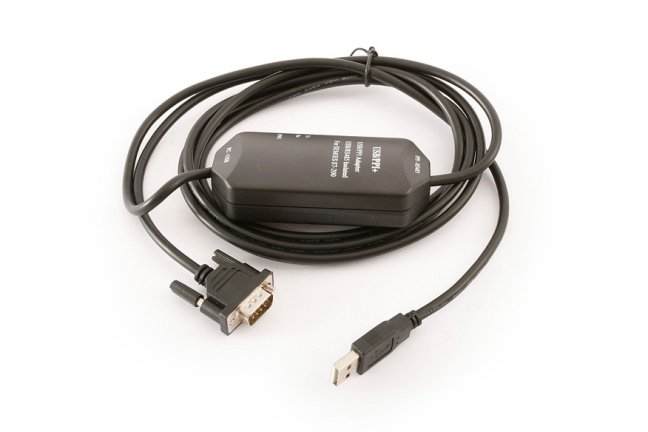
Programming adapter for connection of SIEMENS SIMATIC S7-200 PLC to computer via USB port. More
Code: USB/PPI+
Programming adapter for connection of SIEMENS SIMATIC S7-200 PLC to computer via USB port. More
Code: USB/PPI+
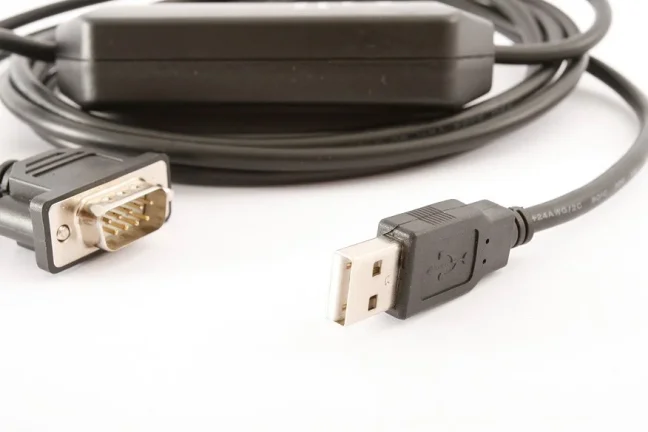
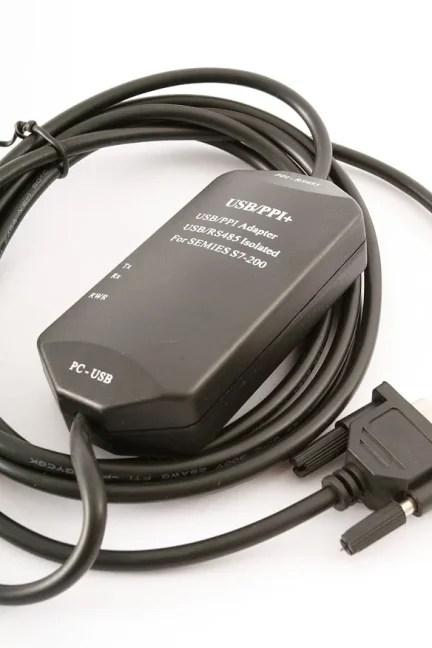
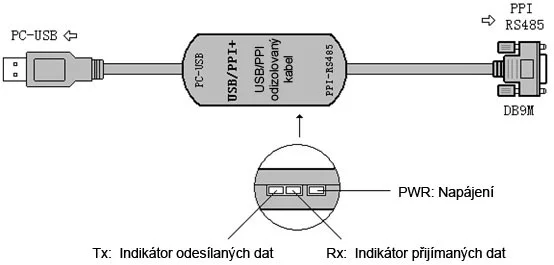
This adapter enables access from your computer’s USB port to a SIEMENS SIMATIC S7-200 PLC. The USB/PPI+ is a programming cable in which the USB interface provides serial communication, signal conversion to RS485, and conversion to the PPI protocol. The adapter allows the computer’s USB interface to emulate a standard serial port (so-called COM port), and can therefore be used with a wide range of programming, communication, and monitoring software or other applications. The adapter is powered directly from the USB connector and the PLC programming port. It is equipped with bi-color LED indicators showing the current data transmission status.
Usage:
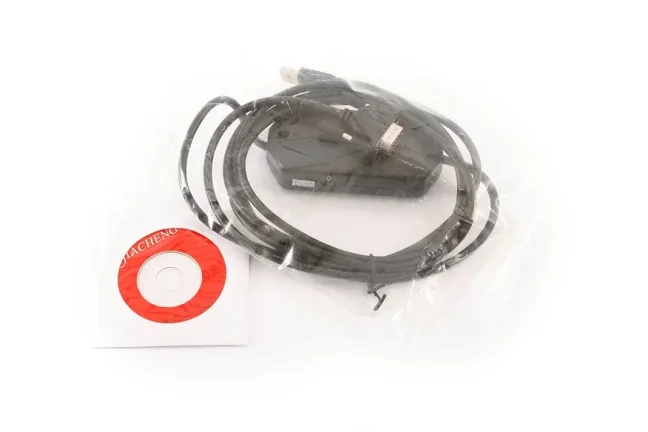
Before using the USB/PPI+ adapter, install the appropriate drivers (from the supplied CD). After installation, check in Windows Device Manager which serial port number has been assigned to the USB/PPI+ adapter.
This serial port (assigned to the USB/PPI+ adapter) is then used for communication with the S7-200 PLC. Proceed in the same way as with a standard RS232/PPI programming cable, i.e. in the PG/PC Interface select PC/PPI cable, not the USB interface.
If the COM port is displayed in the programming/communication software with an asterisk symbol (e.g. “* COM3”), it means that this COM port is invalid. Close the respective software and reinstall the USB drivers for the USB/PPI+ adapter.
This cable does not support the 187.5 kbps speed for the RS232 interface.
In programming/communication software, it is usually possible to select a maximum of COM8. Higher port numbers can be selected, but in practice these higher port numbers cannot be used.
Highlighted items are mandatory.